
About the App
App Preview & Screenshots
Description
Recap: Automatically Turn Your Memories Into Beautiful Video Montages
We capture thousands of photos and video clips each year, yet the vast majority remain buried in our camera rolls. Sifting through months of footage, selecting the best highlights, and timing transitions manually can take hours of exhausting editing.
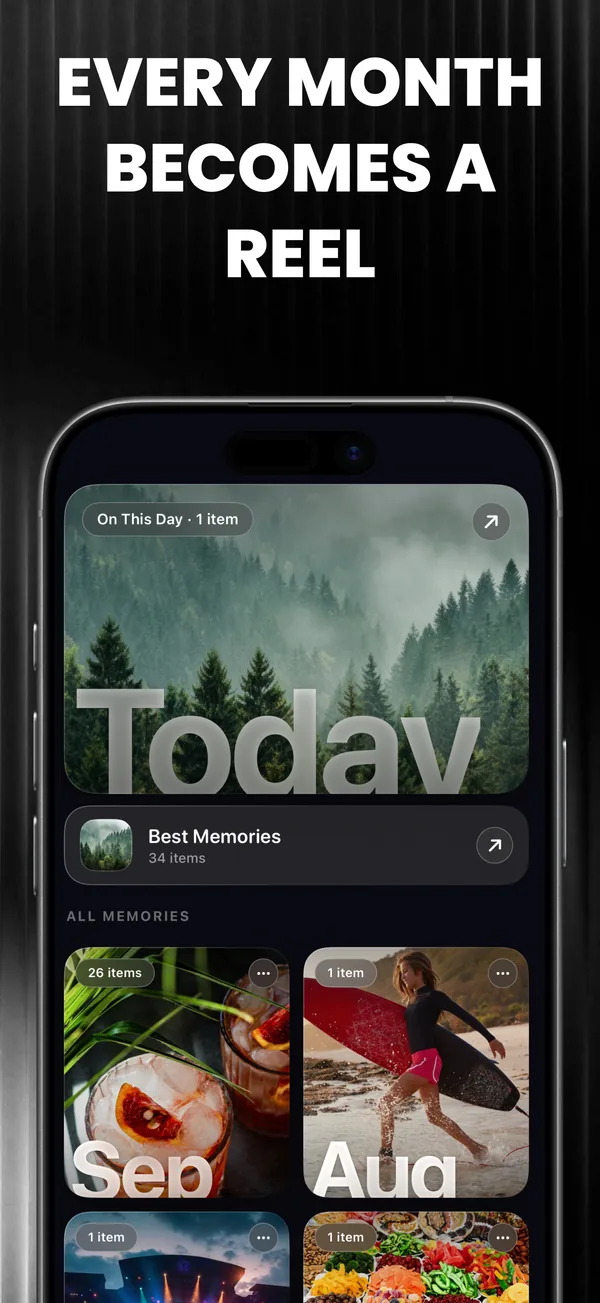
Recap solves this instantly. Powered by intelligent on-device computer vision, Recap turns your scattered photos and clips into captivating, rhythm-synchronized video montages in just a few taps. Whether creating a dynamic monthly recap for Instagram Reels, compiling a romantic vacation story, or producing a heartfelt anniversary tribute, Recap handles all the complex editing work automatically.
1. Automated Video Generation
Eliminate manual cutting and tedious timeline adjustments:
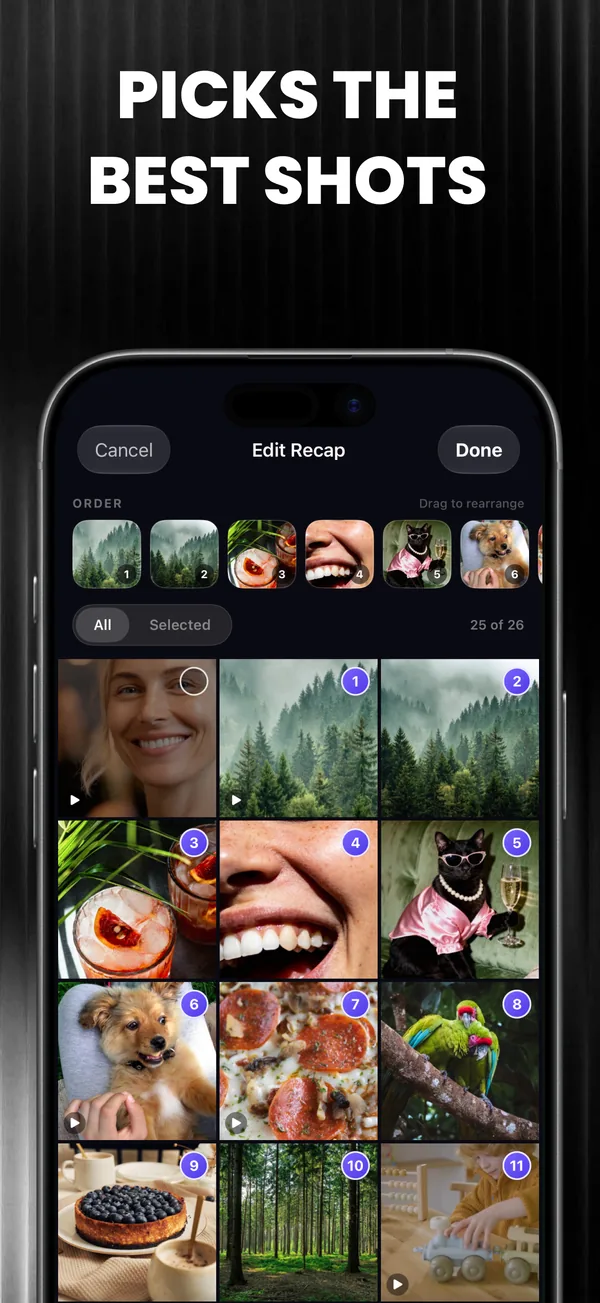
- Smart Media Selection: Intelligent algorithms analyze your camera roll to pinpoint the sharpest photos, best facial expressions, and most vibrant video clips from any selected date range or event.
- Beat-Sync Technology: Recap trims your footage to match the exact tempo and beat drops of your soundtrack, delivering a professional cinematic flow without manual trimming.
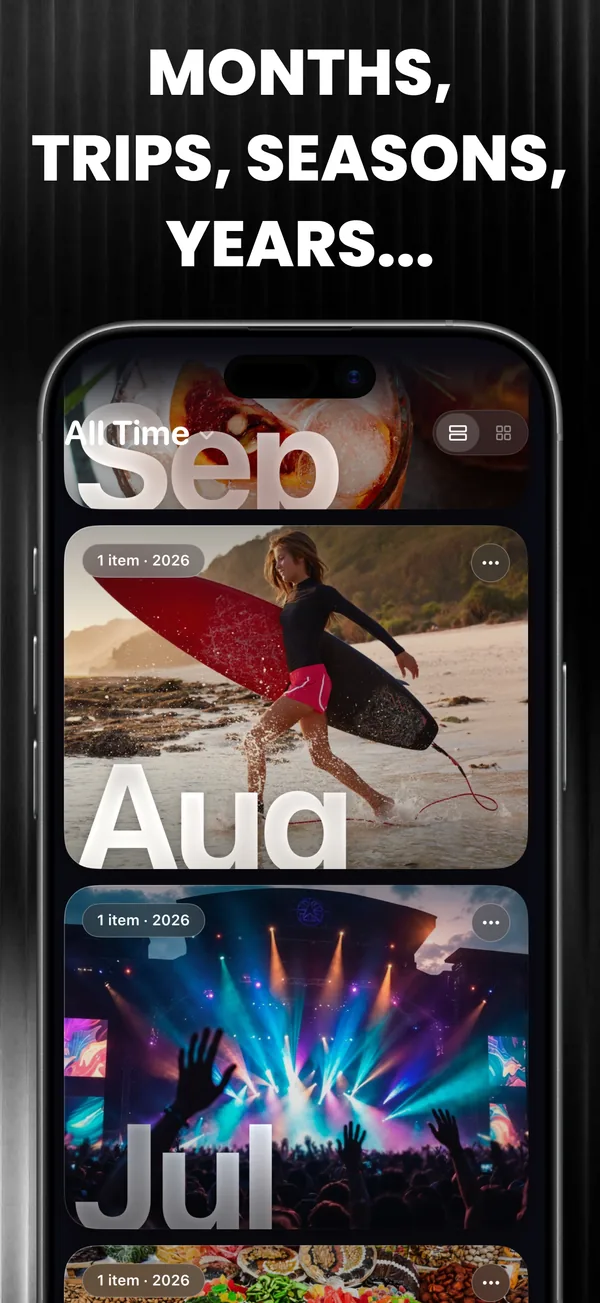
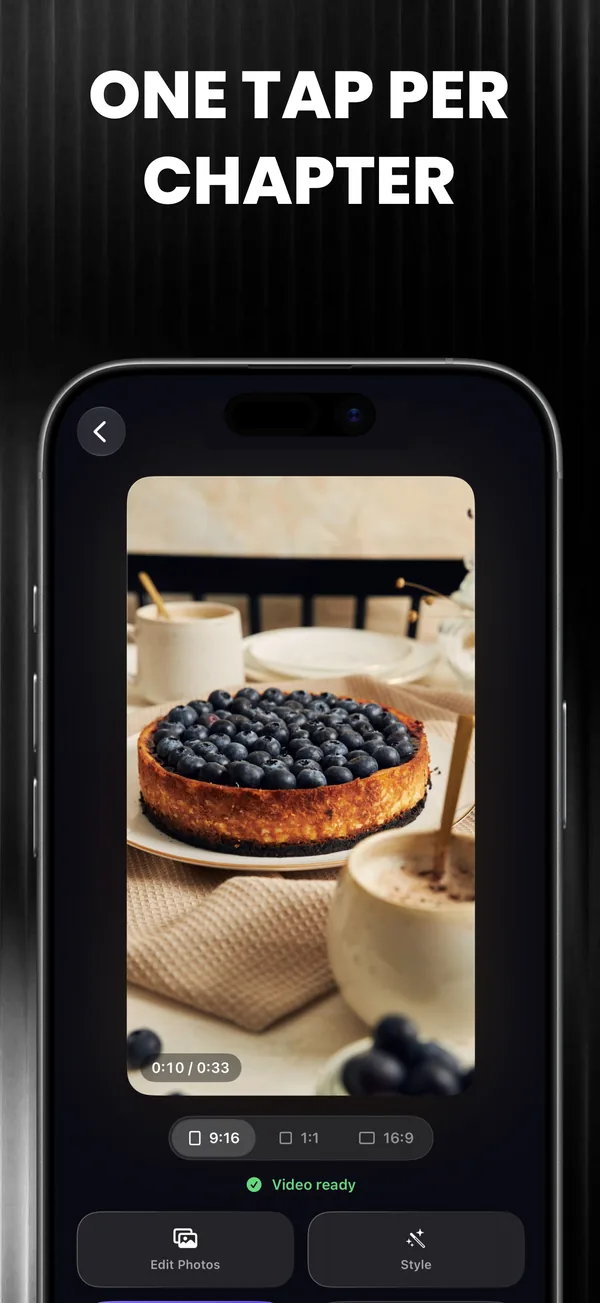
- One-Tap Montage Creation: Create polished Monthly Recaps and Year-in-Review reels with a single tap.
2. Cinematic Aesthetic Templates
Give your memories the look of an editorial film:
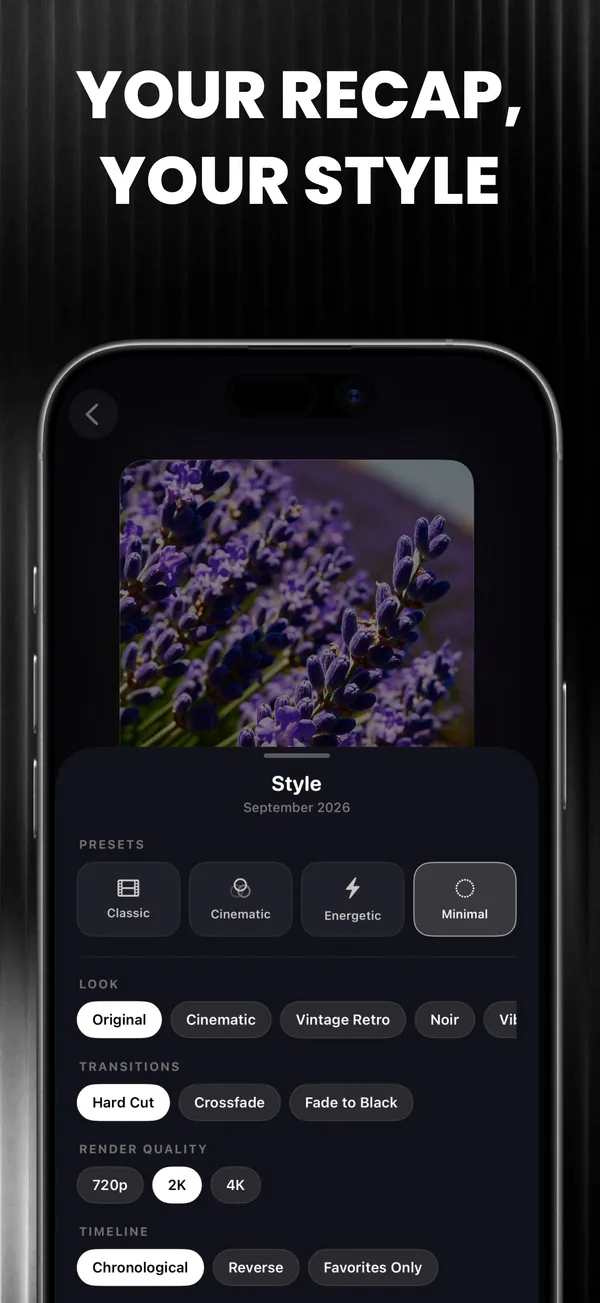
- Curated Visual Themes: Select from dozens of designed styles including Vintage Film, Lo-Fi Nostalgia, Clean Minimalist Vlog, and High-Energy Motion.
- Cohesive Color Grading: Apply cinematic filters that harmonize color tones across photos shot under completely different lighting conditions.
3. Smart Trip and Event Organization
Organizing your memories has never been easier:
- Travel Vlogs: Recap detects location metadata to assemble full travel vlogs grouped by city, country, or getaway.
- On This Day Throwbacks: Rediscover meaningful moments with automatic throwback reminders celebrating milestones from previous years.
4. Soundtrack Library and Custom Audio
Audio brings emotional depth to every story:
- Royalty-Free Music: Explore a rich library of trending background tracks designed specifically for TikTok, Reels, and YouTube Shorts.
- Custom Audio Import: Add your favorite audio tracks directly from your files or extract audio from existing videos in your gallery.
5. Private, Fast and Secure Architecture
Your private media remains strictly yours:
- 100% On-Device Processing: All video rendering and visual analysis execute locally using Apple Neural Engine and GPU acceleration. Your personal media is never uploaded to remote cloud servers.
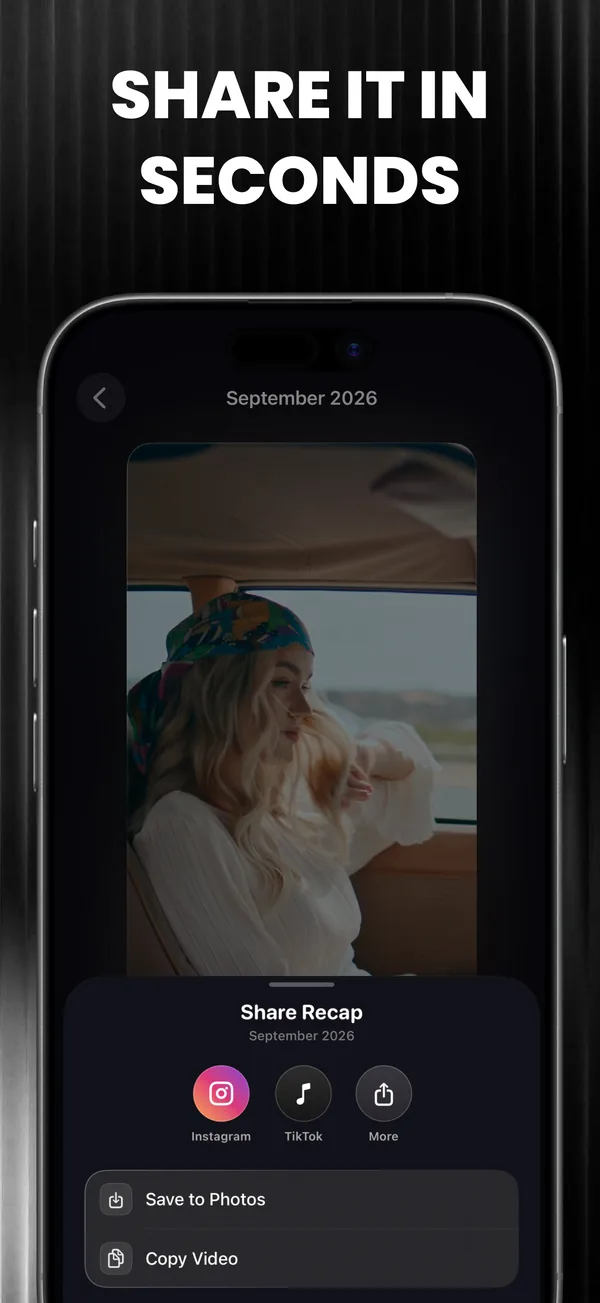
- Crisp High-Resolution Export: Save your final montages in full 1080p or 4K resolution directly to your Photos library, or share immediately across social channels.
Transform your camera roll into cinematic video memories today with Recap.
Key Features
- Monthly Recaps: Automatically compile your best photos of the month into a stunning video montage.
- Beat-Sync Engine: Transitions align cleanly with the rhythm of your chosen soundtrack.
- On This Day: Rediscover cherished memories with automated throwback reels from years past.
- Smart Location Grouping: Build travel stories by grouping photos and videos from the same trip.
- 100% On-Device Privacy: Video processing happens entirely on your phone without cloud uploads.
What's New
- Dramatically improved AI Beat-Sync technology for music transitions
- Added 5 new cinematic templates (Vintage Film & Minimalist)
- Support for 4K video rendering on newer iOS devices
- UI enhancements and bug fixes
Frequently Asked Questions


Guides & Tutorials for Recap
Privacy & Terms of Service
FlashSoft ensures end-to-end data security and compliance for Recap.