About the App
App Preview & Screenshots
Description
Record a meeting, a lecture or an interview and get the transcript, who said what, and a summary with action items. Hushnote does all of it on your iPhone. Your audio is never uploaded, and it works in airplane mode.
About the App
Most transcription apps send your audio to a server and transcribe it there. That is fine for a podcast, and a problem for a client call, a doctor's appointment or a board meeting. Hushnote uses Apple's on-device speech recognition and runs the AI on the iPhone itself. You get a voice recorder, speech to text, speaker labels and meeting notes in one app, and the recording stays with you.
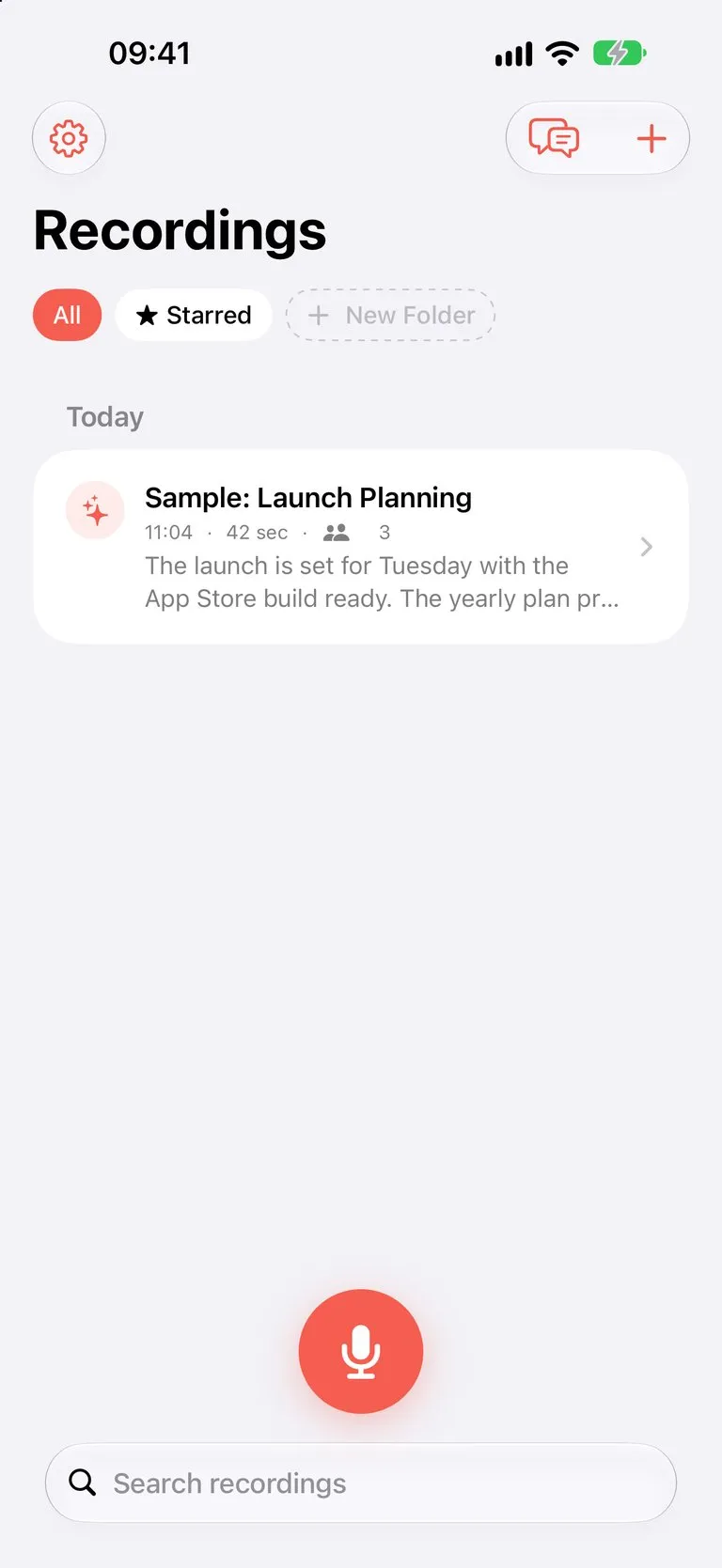
Tap record and put the phone on the table. Text appears while people talk. When you stop, Hushnote separates the speakers, writes a summary and pulls out the tasks, and every word becomes searchable.
Record Anything
- One tap to start; recording continues with the screen locked or while you use other apps
- Live transcript while you record, with a timer on the Lock Screen and in the Dynamic Island
- Bookmarks for the moments you want to find later
- Start from the Action Button, Control Center, a Home Screen widget or Siri
- Import audio and video from Files, Voice Memos, WhatsApp or Telegram and transcribe it
Transcribe Audio to Text, Offline
- Accurate transcription in English, German, French, Spanish, Italian, Portuguese, Russian, Ukrainian and more
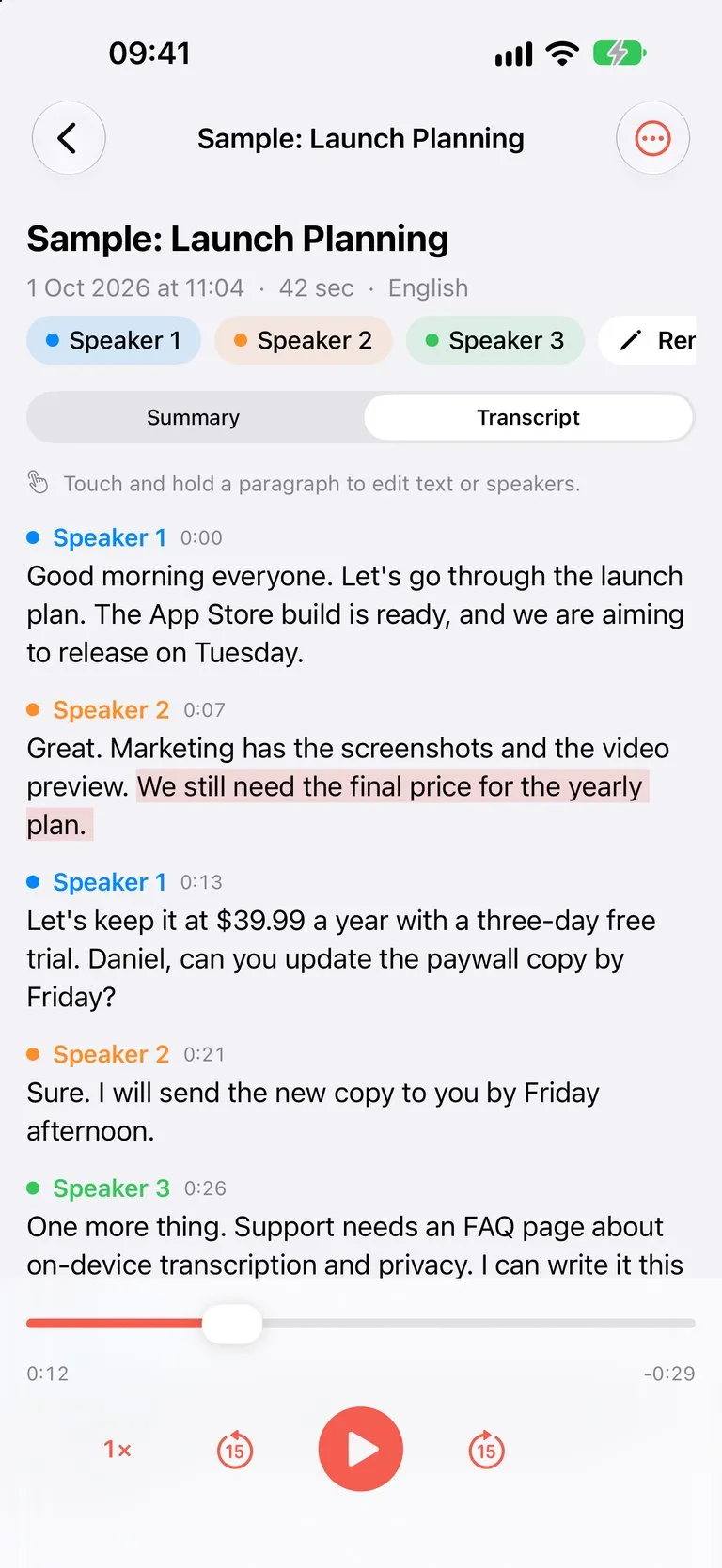
- Speaker labels: see who said what, rename "Speaker 1" to a real name, merge or fix speakers
- Tap any sentence to jump to that moment in the audio, or play it back at up to 2× speed
- Add the names and terms the app should spell your way, and edit any line
AI Summaries and Meeting Notes
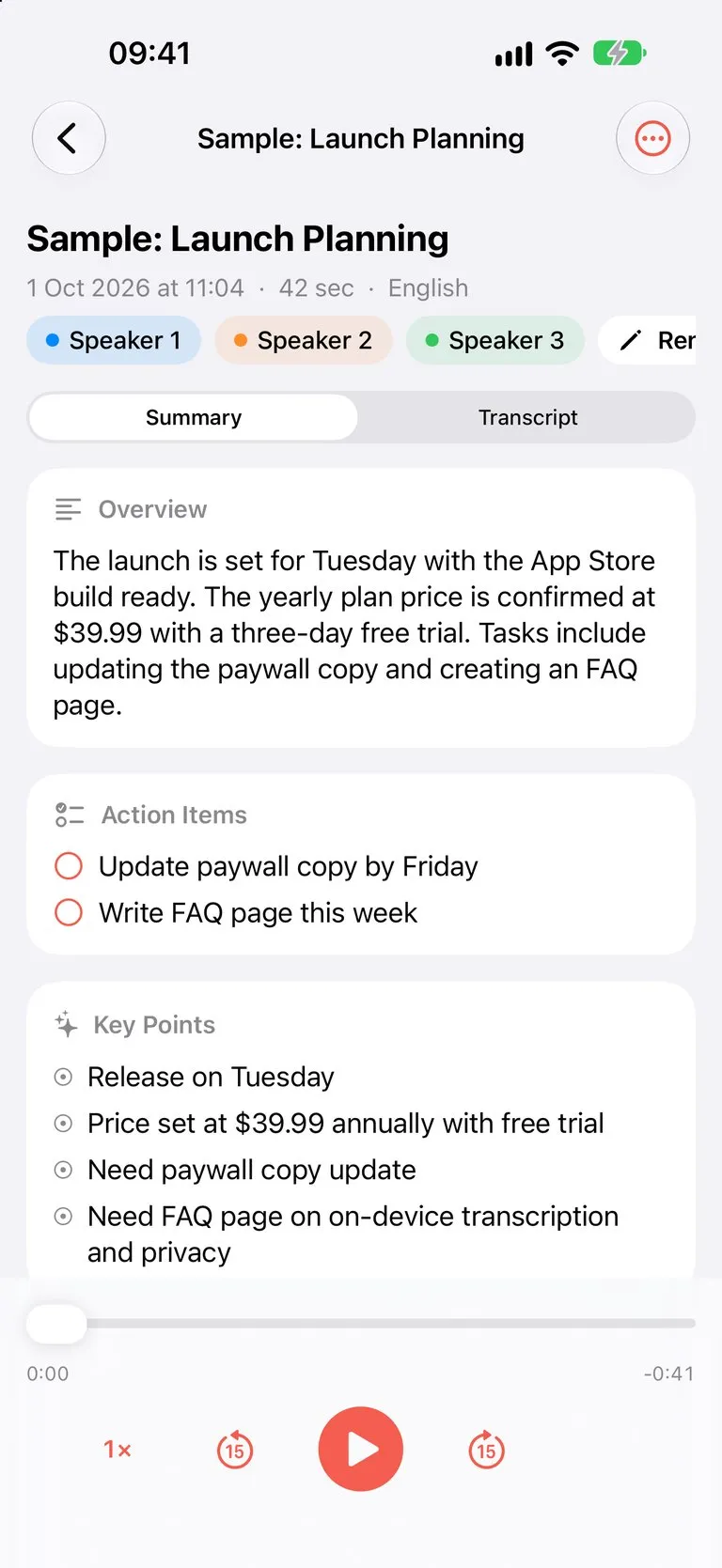
- An overview, key points and action items for every recording
- Chapters for long recordings, so a two-hour lecture is easy to skim
- Uses Apple Intelligence where available; on other iPhones you can download an optional on-device model in Settings
Find Any Word You've Recorded
- Search inside every transcript and jump straight to the moment in the audio
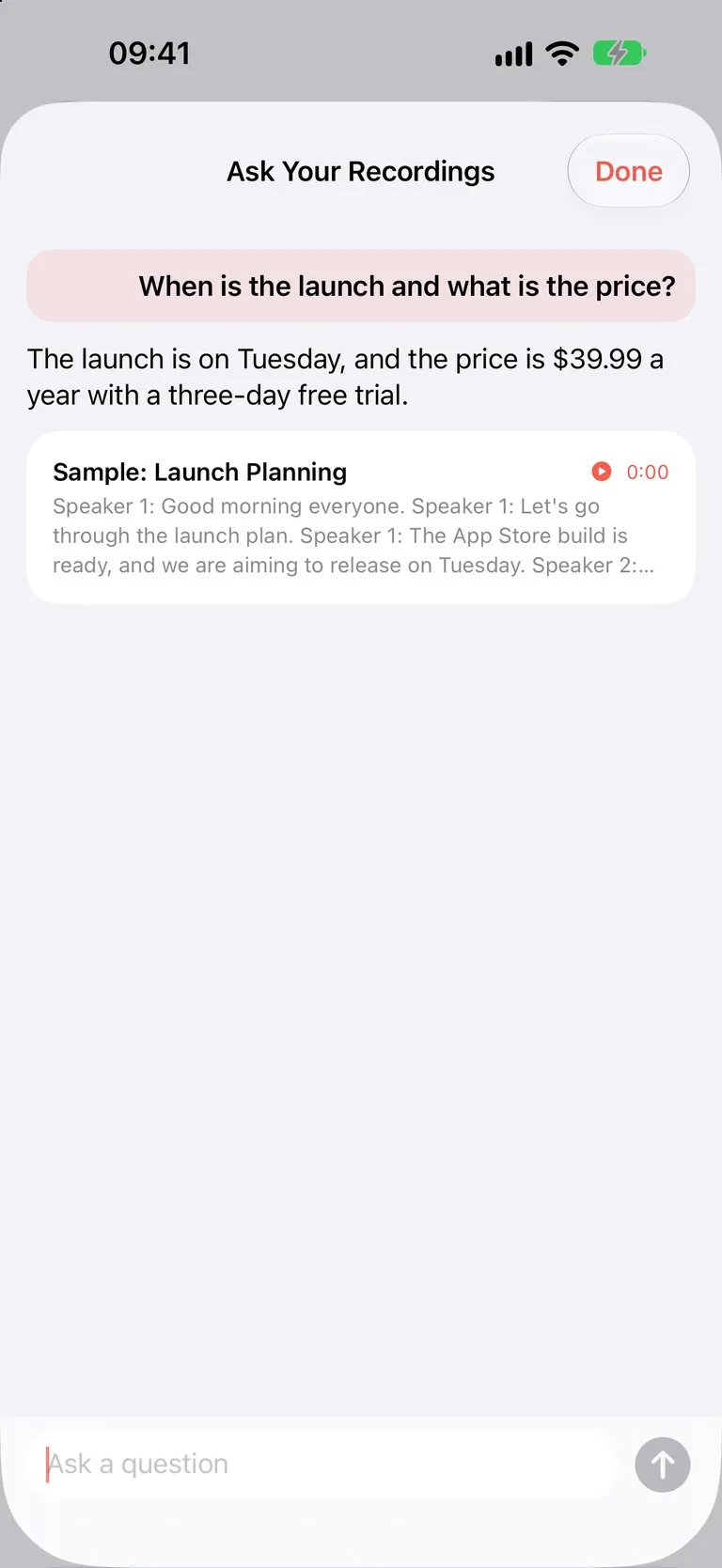
- Ask your recordings a question, such as "What did we decide about the price?", and get an answer with a link to the source
- Folders and starred recordings; recordings are named after the event in your calendar
Share and Export
- Export to PDF, Word (RTF), Markdown, plain text or SRT subtitles
- Translate a transcript and its summary on the device
- iCloud sync keeps your notes on all your devices, with optional audio sync
Private by Design
- Speech recognition, speaker labels, summaries and translation run on your iPhone
- Recordings and transcripts are never uploaded to our servers, and our analytics never contain your text, titles or speaker names
- Sync goes only to your own private iCloud
Free and Pro
Free: unlimited recording, playback, import, folders, widgets and the first 10 minutes of every transcript. Hushnote Pro unlocks full transcripts of any length, speaker labels, AI summaries, search inside transcripts, Ask, translation, every export format and audio sync.
Good to Know
Speech recognition and speaker labels can make mistakes, so check names, numbers and quotes before you rely on them. iOS does not allow apps to record phone calls. Make sure everyone agrees to be recorded where the law requires it.
Key Features
- On-device transcription: turn meetings, lectures and interviews into text without uploading audio.
- Speaker labels: see who said what, and rename speakers to real names.
- AI summaries with key points, action items and chapters for long recordings.
- Search every transcript and ask your recordings questions, with the source moment one tap away.
- Export to PDF, Word, Markdown and SRT, translate on the device, and sync through your own iCloud.
What's New
- Welcome to Hushnote! Record and transcribe audio to text right on your iPhone
- Speaker labels with names you choose, and AI summaries with action items
- Search every word you've recorded and ask your recordings questions
- Import from Voice Memos, WhatsApp and Telegram; export to PDF, Word and SRT
- Widgets, Live Activity, Action Button, Siri and private iCloud sync
Verified App Store Reviews
Authentic feedback from real iOS users worldwide
Fast, reliable, and beautifully designed
"Absolute lifesaver! Hushnote does exactly what it promises without any lag or complicated menus."
Super intuitive and privacy-first
"Super intuitive design. Love how privacy-focused FlashSoft apps are. Highly recommended!"
Worth every single penny
"Fast, clean, and reliable. Keeps everything running smoothly."
Frequently Asked Questions


Privacy & Terms of Service
FlashSoft ensures end-to-end data security and compliance for Hushnote.