Take a quick glance at your iPhone Photos app right now: how many items are currently logged in your library? If you are like the average smartphone user in 2026, the count easily sits between 15,000 and 45,000 photos. Beneath the surface of meaningful vacation memories and family milestones lies a vast digital wasteland of forgotten clutter: eight identical burst shots of a dinner plate, expired parking spot receipts, blurry concert clips, screenshots of recipes never cooked, and duplicate meme saves. This state of digital chaos induces subtle, chronic decision fatigue every time you open your camera roll. In Japan, this mental exhaustion has catalyzed a nationwide movement known as 'Digital Danshari' (デジタル断捨離)—the intentional practice of applying the ancient minimalist philosophy of decluttering to smartphone storage using intuitive, gamified swipe tools like Swipe Photo Cleaner.
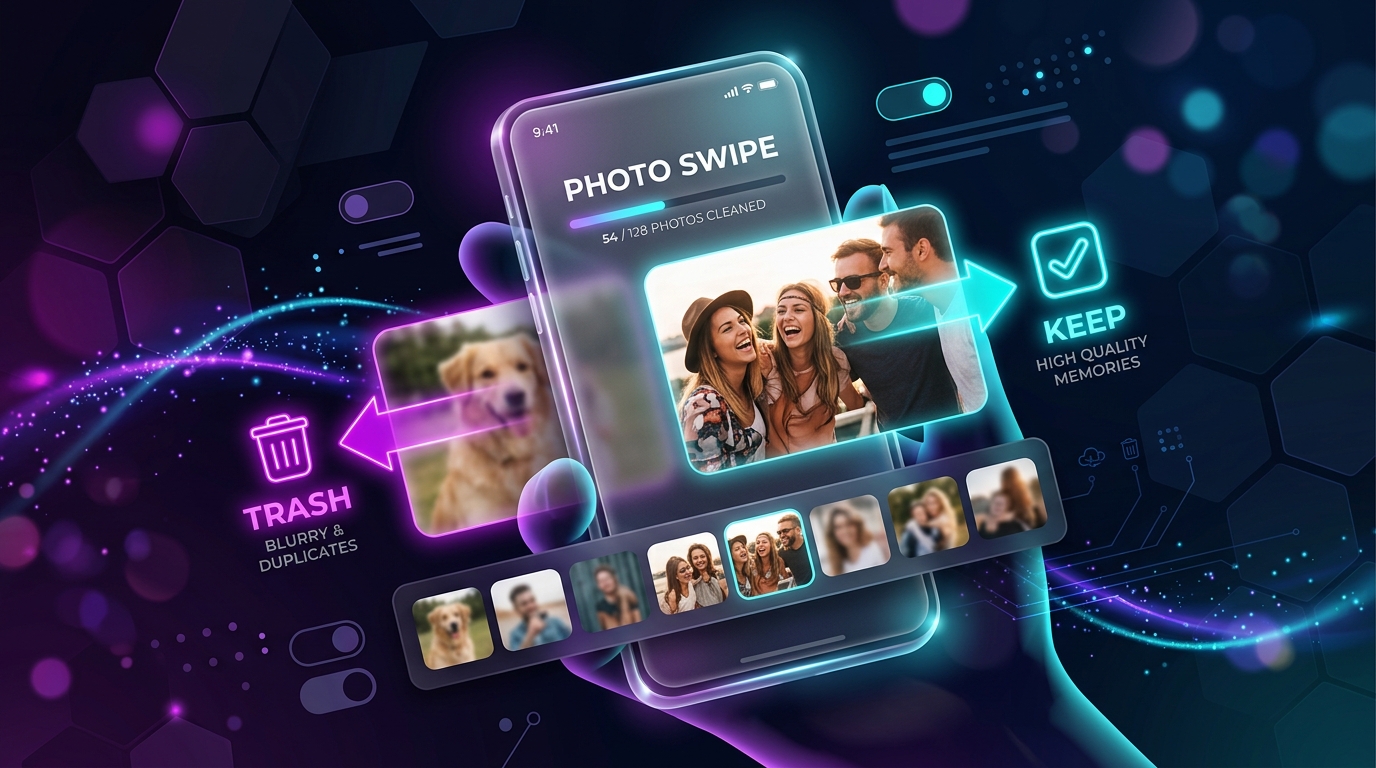
What makes photographic decluttering so uniquely difficult compared to cleaning a physical closet? The answer lies in human behavioral economics: the 'Endowment Effect' and loss aversion. When we view photos in Apple's standard multi-column grid view, our brains unconsciously assign emotional value to every thumbnail, triggering fear that deleting a blurry photo of a random city street will permanently erase the associated memory. To overcome this cognitive bias, you must change the evaluation architecture: presenting photos one by one in full resolution and transforming deletion into a binary, frictionless gesture (swipe left to trash, swipe right to keep). In this definitive guide, we unpack the philosophical tenets of Danshari, examine how digital photo hoarding degrades device performance, and deliver a step-by-step masterclass to reclaim dozens of gigabytes in under half an hour.
The Philosophy of Danshari (断捨離) Applied to Silicon
Popularized globally by organizing consultants and Japanese authors, the term Danshari is composed of three distinct Kanji characters that form a holistic framework for personal liberation:
- Dan (断 - Refuse): Stopping digital clutter at the entry point. Ceasing the habit of taking 15 identical burst shots when one focused composition suffices; disabling auto-downloads in messaging apps.
- Sha (捨 - Dispose): Ruthlessly shedding stored digital deadweight. Actively purging blurry, redundant, and obsolete screenshots that serve no future utility.
- Ri (離 - Separate): Detaching your personal identity and emotional well-being from digital hoarding. Realizing that a photo is not the memory itself, but merely a temporary pointer.
The Hidden Costs of a Bloated 20,000-Photo Library
Hoarding tens of thousands of photos does not merely waste iCloud storage subscriptions; it directly degrades your iPhone's daily performance:
| Impact Vector | 1,000–3,000 Photos | 20,000+ Photos (Unmanaged) | Technical Explanation |
|---|---|---|---|
| Apple CoreML Indexing | Negligible battery drain | Noticeable overnight battery drain | iOS runs neural object and facial recognition across every single photo in the background. |
| Search Responsiveness | Instantaneous results | Stuttering 2–4 second delays | SQLite photo database exceeds 1.5 GB in index size, causing search latency. |
| iCloud Backup Cost | Free 5 GB or $0.99 Tier | $2.99 – $9.99 / Month (2TB Tier) | Paying continuous monthly recurring fees solely to store duplicate garbage photos. |
| Visual Decision Fatigue | Calm, curated gallery | Anxiety-inducing infinite scroll | Cognitive overload from scanning thousands of irrelevant thumbnails to find one image. |
How the Swipe Triage Method Conquers Grid Paralysis
When you open the default iOS Photos app and attempt to tap 'Select' to delete hundreds of items, paralysis strikes within two minutes. You must zoom in to check if eyes are open, zoom back out, re-select thumbnails, and confirm multi-step deletions. It is slow, tedious, and mentally exhausting.
The swipe triage mechanic implemented in Swipe Photo Cleaner changes the game entirely by organizing your gallery into discrete monthly bite-sized decks. You review each photo full-screen with zero distractions:
- Swipe Right to Keep: The photo is immediately archived and validated as a keeper.
- Swipe Left to Bin: The redundant screenshot, blurry duplicate, or duplicate receipt is queued for deletion.
- Month-End Review: Once you swipe through a month's deck, the app presents a clean summary review of all items marked for deletion. Tap confirm once, and your iPhone reclaims gigabytes of pristine flash storage.
Pro-Tip: The 'Oshi-katsu' Fan Triage Strategy
For anime fans and idol supporters who accumulate thousands of livestream screenshots and promotional images, organize your photos by album first. Use Swipe Photo Cleaner's duplicate detection algorithm to pinpoint near-identical frames, keeping only the single highest-resolution shot with the best lighting.
Instant iPhone Storage & iCloud Savings Calculator
Adjust your photo library size, duplicate estimates, and 4K video count to calculate how many gigabytes you can safely reclaim.