
Neighborhood apps like Nextdoor, Citizen, and local Facebook community groups are filled with video clips exported from Ring, Nest, Eufy, and Blink security cameras. Whether you are alerting neighbors to a late-night vehicle prowler, a lost dog, or an erratic delivery driver, the wide-angle fisheye lens of your doorbell camera captures vastly more than just the incident.
Executive Summary & Research Finding
How to blur neighbors, pedestrians, and license plates in Ring and Nest doorbell camera videos before posting on Nextdoor, Citizen, or Facebook groups.
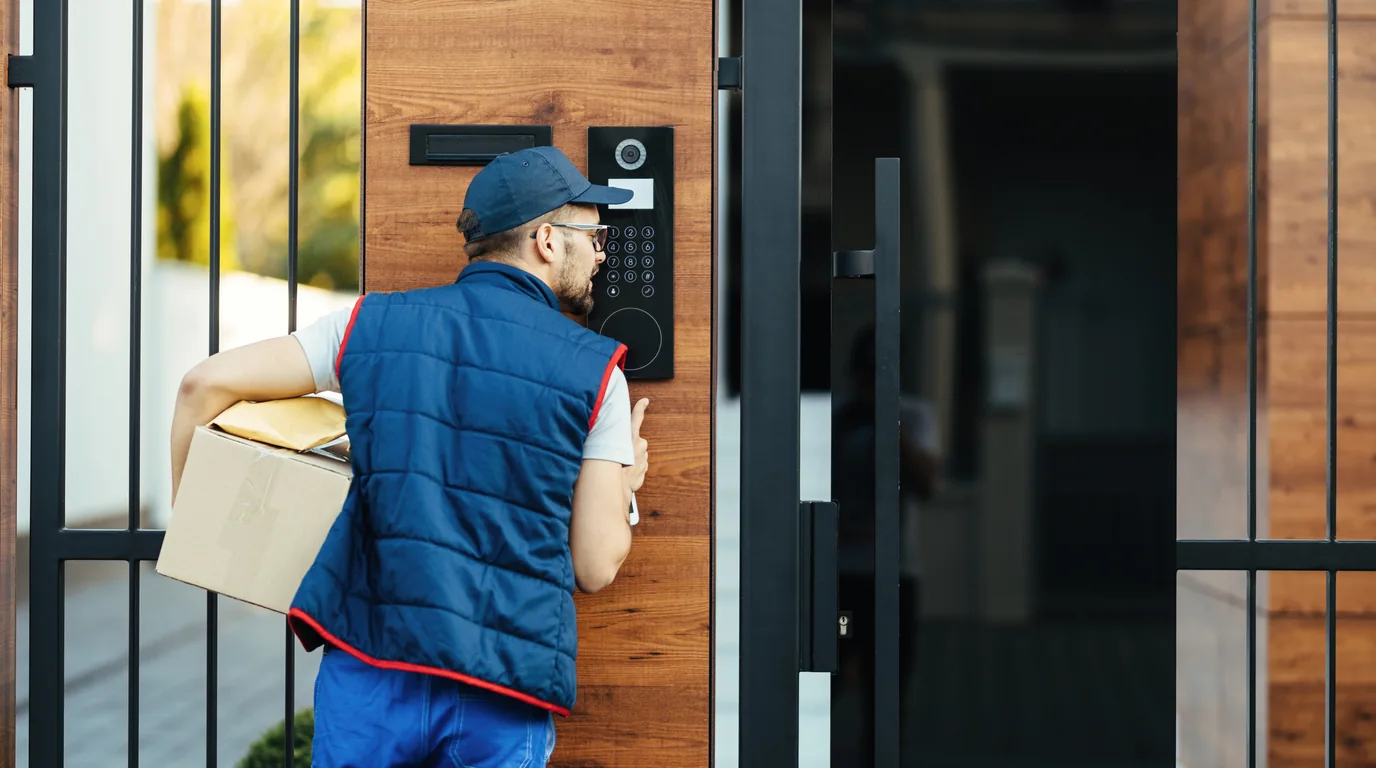
In the background of your 30-second clip, innocent neighbors walk their dogs in their pajamas, children ride bicycles after school, and parked cars display legible license plates. Uploading unblurred clips doxxes innocent residents and can even spark defamation claims if people misidentify innocent passersby as suspects.
Censor Doorbell Clips Directly on iPhone
Download Blura to automatically track and blur bystander faces, car plates, and neighboring front doors in security camera clips with just a few taps.
Etiquette and Legal Guidelines for Neighborhood Watch Sharing
- Focus Exclusively on the Subject: If you are highlighting an attempted break-in, keep the suspect in frame but obscure everyone else walking along the sidewalk.
- Black Out Across-the-Street Front Doors: Neighbors have an expectation that their entrances aren't constantly broadcasted to hundreds of online community members.
- Censor Delivery Uniforms & Tracking Numbers: If posting about a damaged package, blur the courier's badge and visible shipping barcodes.
- Protect Minors Automatically: Children playing in public streets must always have their faces obscured before posting to neighborhood message boards.
How to Apply Multi-Object Blur to Wide-Angle Doorbell Clips in Blura
- 1. Save the Clip from Your Camera App: Export the video from the Ring or Nest app directly to your iPhone Photos library.
- 2. Open in Blura and Run Auto-Detection: Blura scans the clip for faces, license plates, and motion vectors.
- 3. Lock a Stationary Blur Box Over Neighbors' Homes: Use the rectangular mask tool to place a static blur block over the neighbor's porch across the street.
- 4. Enable Dynamic Tracking for Bystanders: Tap bystander faces so Blura's tracking engine follows them smoothly as they walk through the frame.
- 5. Export Without Watermarks in Blura Pro: Render a clean, professional video ready for neighborhood safety forums.
Frequently Asked Questions
Can police still use my video if I have blurred bystander faces?
Always keep the unedited raw video file in your original security camera cloud archive for law enforcement. Only share the redacted version on public social media and neighborhood watch forums.
Does blurring fisheye lens doorbell video distort the effect?
Blura renders pixelation and Gaussian blur masks that adapt seamlessly to fisheye barrel distortion, maintaining complete coverage throughout wide-angle pans.
Hotel & Airbnb Privacy Safety Score Assessment
Complete this interactive 5-point inspection checklist to evaluate your room's surveillance risk index.

