
Dashboard cameras have become an indispensable layer of legal insurance for millions of drivers worldwide. From capturing close calls on the freeway to documenting erratic driving during heavy commutes, dashcam footage serves as vital evidence. However, when drivers transition that footage from their personal SD cards to social platforms like TikTok, YouTube, Reddit (r/IdiotsInCars), or Instagram Reels, a serious legal and ethical boundary is crossed. Broadcasting unredacted license plates, identifiable driver faces, pedestrian bystanders, and home street numbers exposes content uploaders to severe civil liability, GDPR fines across the EU, and anti-doxxing counter-claims.
Executive Summary & Research Finding
Blur license plates and bystander faces in dashcam videos on iPhone. Discover GDPR compliance, insurance submission rules, and automatic AI tracking in Blura.
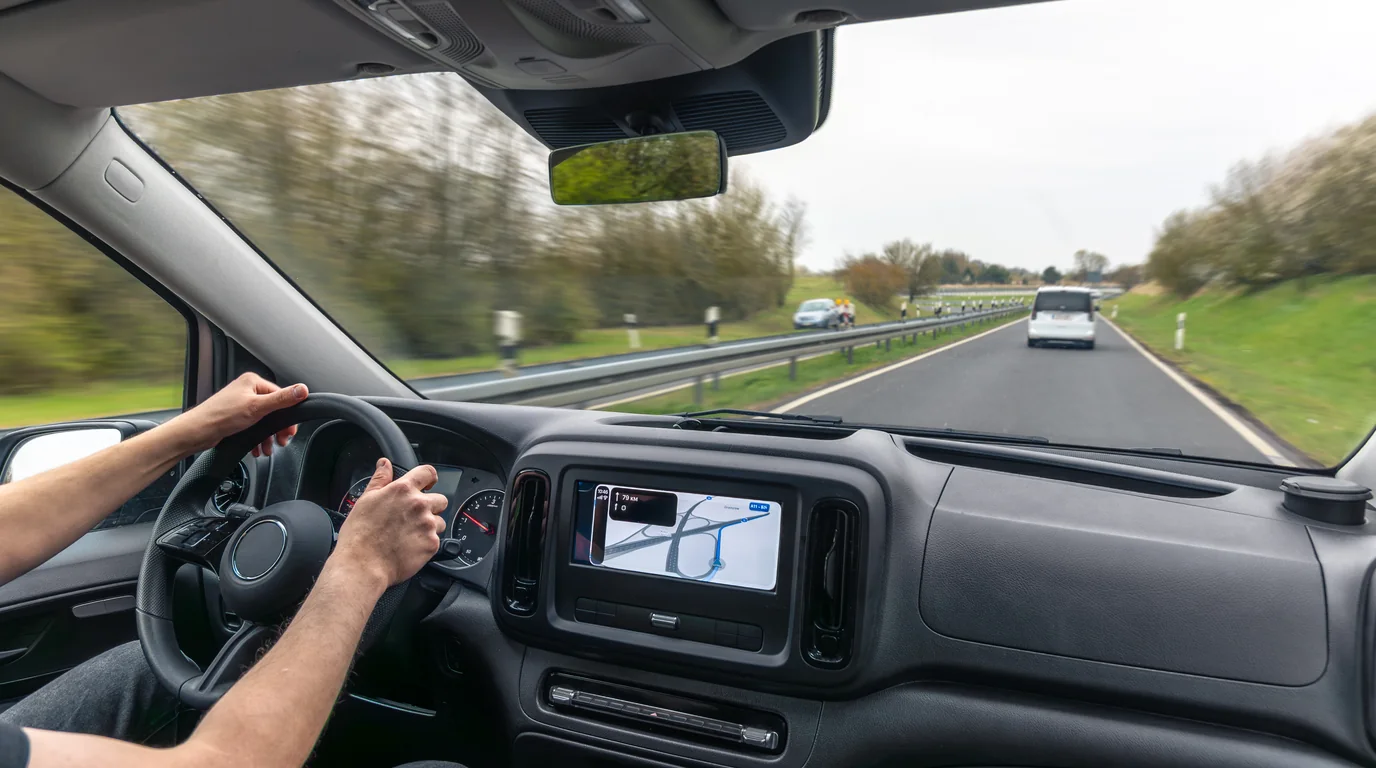
Historically, redacting a five-minute 4K dashcam clip required transferring footage to a desktop workstation, launching Premiere Pro or Final Cut, and spending hours manually keyframing tracker points over every passing car. Today, mobile neural engines integrated into iOS allow on-device applications like Blura Blur Photo & Video Editor to execute neural plate detection and frame-by-frame object tracking directly on your iPhone in seconds.
The Legal Landscape: License Plates and Expectation of Privacy
A widespread misconception among motorists is that because roads are public spaces, recording and publishing anything in sight is entirely unrestricted. While filming in public is constitutionally protected in many jurisdictions (such as under the First Amendment in the United States), publishing commercial or monetized videos featuring identifiable individuals and vehicle identifiers carries strict limitations:
- European Union & UK (GDPR Art. 6 & Recital 26): Under established Court of Justice of the European Union (CJEU) jurisprudence, vehicle registration plates constitute Personally Identifiable Information (PII) because they can be linked to a natural person through national vehicle databases. Publishing unredacted dashcam footage online without consent violates data protection regulations and can lead to four-figure administrative fines.
- United States Privacy Torts: While plates are visible publicly, using unblurred footage in monetized content or inflammatory posts accusing another driver of criminal conduct can trigger defamation claims, intentional infliction of emotional distress, and commercial appropriation lawsuits.
- Anti-Doxxing Statutes: Online vigilante groups frequently take license plates from viral dashcam clips to track down home addresses, leading to targeted harassment and swatting. Judges increasingly view reckless publication of identifiers as actionable negligence.
Insurance Submissions vs. Public Social Media
When submitting dashcam footage directly to your insurance adjuster or police investigators, always submit the raw, unedited footage. However, the moment that same clip is uploaded to Reddit, YouTube, or social platforms, license plates and bystander faces must be masked to prevent retaliatory harassment and platform privacy strikes.
Technical Comparison: Censor Methods for Automotive Video
Different censor styles provide varying levels of security and aesthetic appeal when editing fast-moving automotive video:
| Censor Style | Visual Appeal | Optical Security | Processing Speed | Best Use Case |
|---|---|---|---|---|
| Gaussian Blur | High (Cinematic) | High (at radius > 25px) | Ultra-Fast | Background pedestrians & oncoming headlights |
| Mosaic / Pixelation | Retro / Broadcast | Medium (Needs large cell size) | Fast | License plates & municipal taxi numbers |
| Hexagonal Grid | Modern Cyber-Tech | Very High | Fast | Performance cars, track days & motorsport clips |
| Solid Color Blackout | Minimalist | 100% Irreversible | Instant | Addresses, emergency response units & decals |
Step-by-Step: Censoring Dashcam Clips on iPhone with Blura
- Transfer Footage to iPhone: Connect your dashcam's microSD card via an Apple Lightning/USB-C card reader or export via Wi-Fi into the Photos app.
- Open in Blura: Launch Blura and select your dashcam video clip. The app supports 1080p, 2K, and 4K 60fps files without quality loss.
- Activate Auto-Scan: Tap Auto-Scan. Blura's on-device neural vision automatically highlights all vehicle license plates and bystander faces in the clip.
- Lock Dynamic Tracking: Select the censor region. Blura locks onto the moving plate and follows its motion vectors throughout the frame pan and acceleration.
- Select Style & Export: Choose Pixelation or Hexagon censor style, verify the preview, and export. Use Blura's metadata stripper toggle to purge GPS telemetry if desired.
Frequently Asked Questions
Can a license plate be reversed or uncovered from a blurred video?
When blurred correctly using high-entropy filters such as Gaussian blur with a wide radius or solid color overlays, mathematical reconstruction is impossible because the underlying high-frequency pixel data is permanently flattened during the render pass.
Does Blura upload my dashcam footage to the cloud?
No. Blura runs 100% locally on your iPhone using Apple Neural Engine. Your driving routes, private audio, and video files never leave your device, ensuring total privacy.
Instant iPhone Storage & iCloud Savings Calculator
Adjust your photo library size, duplicate estimates, and 4K video count to calculate how many gigabytes you can safely reclaim.

