Millions of iPhone owners prefer third-party audio gear: the class-leading active noise cancellation of Sony's WH-1000XM5, the plush comfort of Bose QuietComfort Ultra, or the compact design of Samsung Galaxy Buds. But iPhone users face an annoying wall: Apple's native Find My network excludes third-party headphones that do not pay licensing fees for the proprietary Find My accessory program.
Executive Summary & Research Finding
How to find lost Sony, Bose, and Samsung Galaxy Buds on iPhone. Track third-party Bluetooth headphones and wireless earbuds using universal RSSI radar.
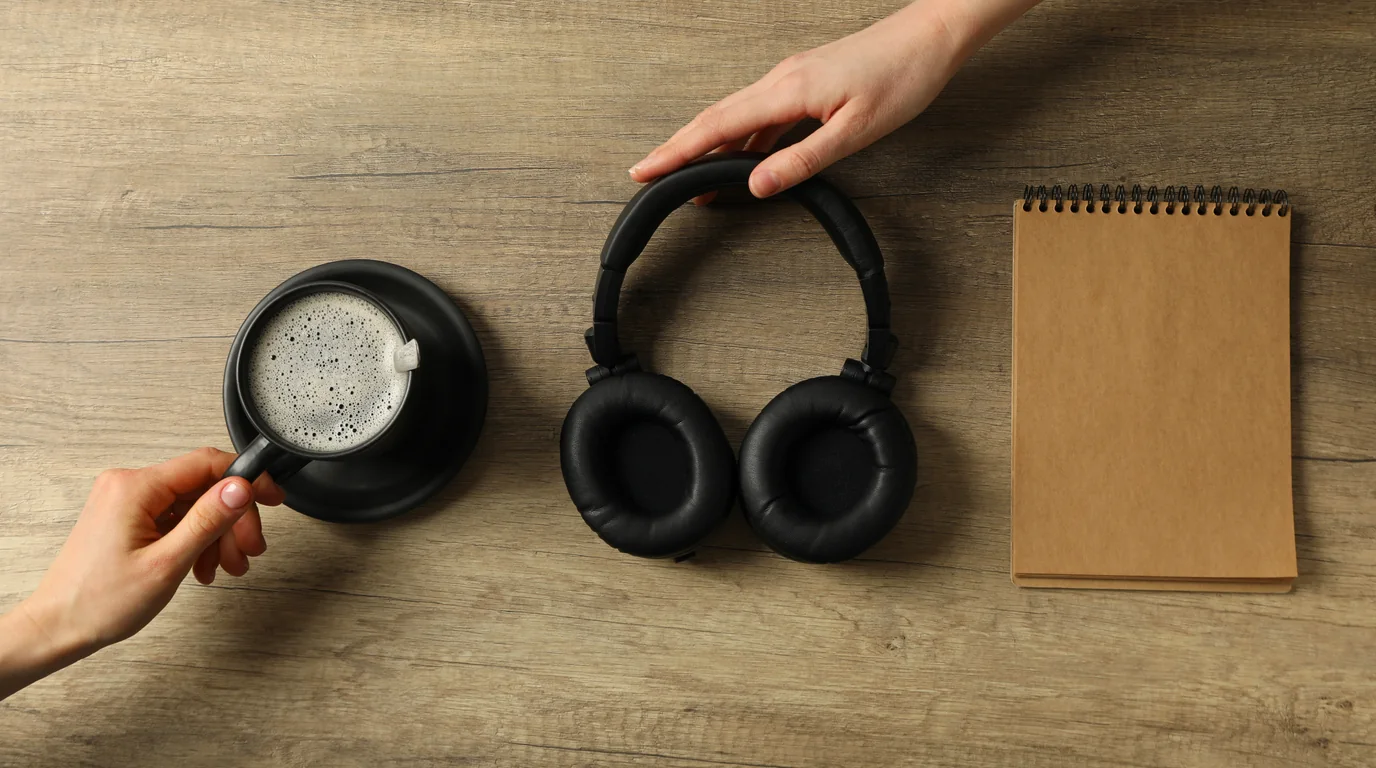
If you misplace your $400 Sony headphones or Galaxy Buds in a cafe, gym, or house, opening Apple's Find My app shows nothing. You need a universal Bluetooth scanner that interfaces directly with raw Bluetooth Core Specification advertising packets.
The Universal Solution for Non-Apple Gear
Sweep: Find My Device scans all active BLE advertising channels regardless of device brand. It detects Sony, Bose, Samsung, Sennheiser, JBL, Jabra, and Beats with equal precision.
Why Proprietary Ecosystems Lock You Out
Apple, Google, and Samsung maintain walled-garden locator networks: Apple has Find My, Google has Find My Device Network, and Samsung has SmartThings Find. When you cross platforms—using Android headphones with an iPhone—the manufacturer's official companion app (e.g. Sony Headphones Connect or Galaxy Wearable) usually loses the ability to track devices once disconnected.
How Universal Proximity Radar Solves the Problem
| Brand / Model | Proprietary iOS App Limitation | Universal Radar Capability |
|---|---|---|
| Sony WH-1000XM4/XM5 | Sony app does not provide live proximity radar | Detects Bluetooth MAC address; displays real-time dBm meter |
| Bose QuietComfort 45/Ultra | Bose app only shows last GPS coordinates from phone | Live proximity tracking within 50-foot radius |
| Samsung Galaxy Buds 2/Pro | SmartThings Find app for iOS is discontinued | Full RSSI hot-cold signal tracking directly on iPhone |
| Sennheiser Momentum 4 | Smart Control app has no device tracking feature | Tracks BLE advertising packets continuously |
| Jabra Elite Series | Sound+ app requires registered GPS connection | Pinpoints earbuds under furniture via dBm signal spikes |
How to Locate Your Misplaced Headphones
- Verify Power State: Wireless headphones in standby or with active battery continuously emit advertising beacons.
- Open Universal Radar: Launch Sweep: Find My Device. The app conducts a background sweep of all peripheral devices within 100 feet.
- Select Your Headphone Model: Tap your device from the discovered peripheral list.
- Perform a Quadrant Walk: Follow the intuitive circle radar meter. As you approach the couch, closet, or gym bag where they sit, watch the meter rise from orange to vibrant green.
Frequently Asked Questions
Will Galaxy Buds broadcast Bluetooth when the charging case is closed?
Like AirPods, Galaxy Buds disconnect and stop broadcasting when both earbuds are sealed inside a closed charging case. If an earbud is loose or the case lid is ajar, tracking works seamlessly.
Can universal Bluetooth locators track over-ear headphones in hard cases?
Yes! Modern over-ear headphones like Sony WH-1000XM5 and Bose 700 enter low-power standby inside their zipper travel cases and continue transmitting BLE packets through fabric and EVA foam.