If your Samsung Galaxy smartphone is showing the dreaded 'Storage space running out' notification or your Gallery app takes seconds to scroll, you are not alone. In 2026, Samsung's flagship Galaxy S24, S23, and popular Galaxy A-series devices capture staggering amounts of data with 50MP and 200MP sensors. A single photo can weigh up to 35MB, and when combined with Samsung Motion Photos (which embed a 3-second MP4 video clip inside every still JPEG/HEIC), your camera roll devours internal storage at exponential rates. The fastest way to reclaim 10GB to 30GB of space without deleting valuable memories is to eliminate duplicate burst shots, purge hidden video trailers from Motion Photos, and adopt a rapid swipe-to-delete workflow using Swipe Photo Cleaner on Android.
Executive Summary & Research Finding
Step-by-step 2026 guide to clean Samsung Gallery storage. Learn how to remove duplicate photos, large Motion Photos, and burst shots on Android with Swipe Photo Cleaner.
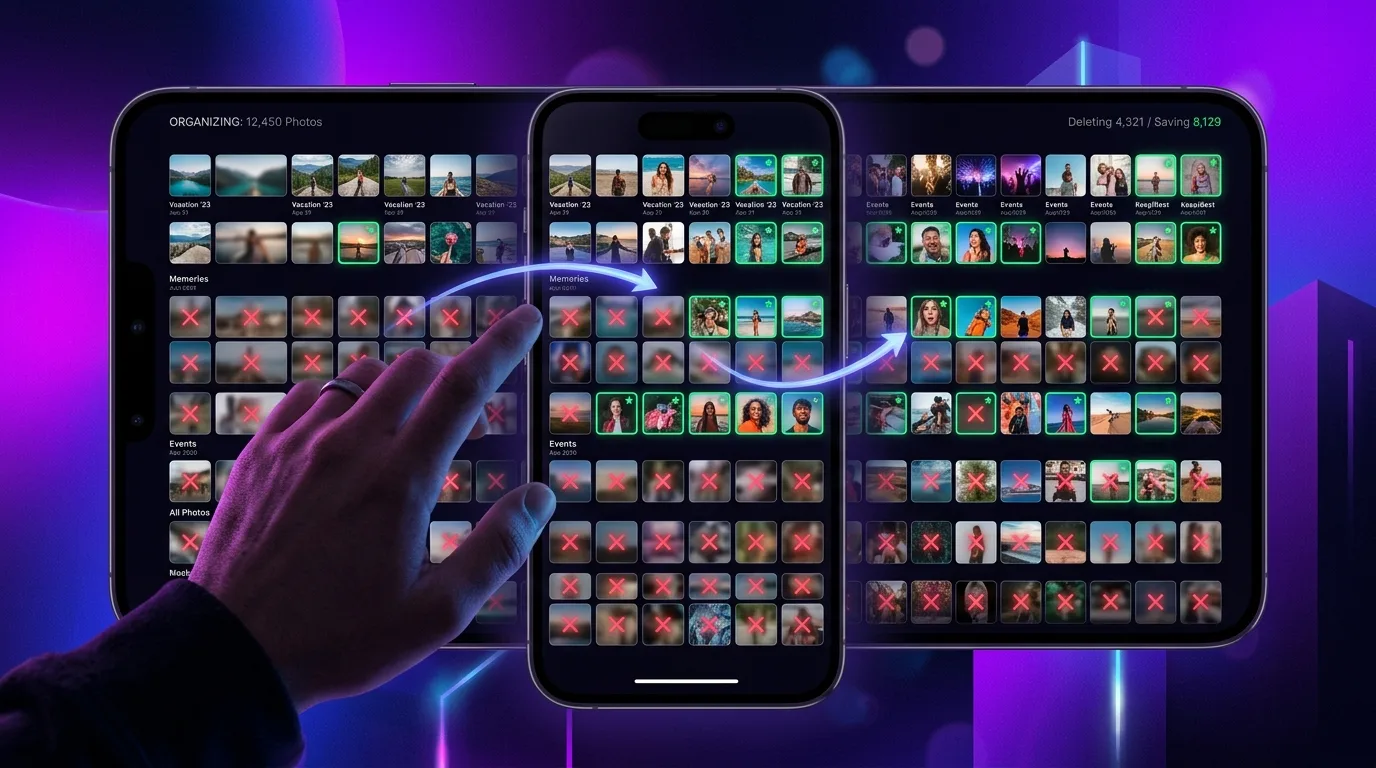
Why Does Samsung Gallery Storage Fill Up So Fast?
Unlike older smartphones that captured simple 12MP snapshots, modern Samsung One UI devices pack complex camera features that silently inflate file sizes behind the scenes:
- High-Resolution 50MP & 200MP Modes: Shooting in ultra-high resolution generates uncompressed image files ranging from 18MB to 45MB each, meaning just 100 vacation photos can consume over 3GB.
- Embedded Motion Photos: Samsung's Motion Photo feature records approximately 3 seconds of full HD video before you press the shutter, embedding an H.264/HEVC video stream directly into the image container.
- Single Take & Accidental Burst Clusters: Holding down the shutter button captures up to 30 photos in 2 seconds, creating nearly identical frames that clutter your timeline.
- Dual Cloud Sync Confusion: When Samsung Gallery syncs with Microsoft OneDrive while Google Photos simultaneously backs up to Google Drive, users often accumulate ghost duplicates across local and cloud partitions.
Samsung Storage Breakdown: Typical Galaxy Camera Roll (2026)
Here is how a standard 256GB Samsung Galaxy device distributes storage across photographic media after 18 months of everyday use:
| Media Category | Typical File Count | Average File Size | Total Space Wasted |
|---|---|---|---|
| Identical & Similar Bursts | 850 photos | 8.5 MB | 7.2 GB |
| Samsung Motion Photo Trailers | 1,400 photos | 14.2 MB | 11.5 GB |
| WhatsApp & Telegram Auto-Saves | 3,200 items | 3.8 MB | 12.1 GB |
| Old Screenshots & Receipts | 620 images | 4.2 MB | 2.6 GB |
| Uncompressed 4K 60fps Video Clips | 45 clips | 450 MB | 20.2 GB |
Why Built-In Samsung 'Manage Storage' Tools Fall Short
Samsung One UI includes a native 'Storage Booster' and 'Clean Up Gallery' section inside the My Files app. However, it relies on strict cryptographic hashing (MD5/SHA-256) which only detects byte-for-byte identical files. If you took five photos of your pet where only their eyes blinked, Samsung's native utility treats all five as completely unique photos and ignores them entirely.
Furthermore, scrolling through thousands of tiny thumbnails in a 4-column grid induces severe cognitive fatigue. You spend minutes tapping tiny radio buttons, zooming in to verify if a shot is blurry, and worrying about accidentally deleting your child's first steps.
The Swipe-to-Clean Breakthrough: Tinder Mechanics for Android Photos
The most effective psychological method to clean an Android camera roll is binary swipe triage. Inspired by swipe dating apps, Swipe Photo Cleaner on Google Play presents your photos full-screen, month by month, with zero confusing menus:
- Swipe Right to Keep: Lock in your best memories with an effortless flick of the thumb.
- Swipe Left to Trash: Queue blurry bursts, out-of-focus snapshots, and redundant duplicates for deletion.
- Month-by-Month Digestible Batches: Rather than facing a terrifying wall of 25,000 photos, tackle March 2024 or December 2025 in bite-sized, 3-minute decluttering sprints.
- Pre-Deletion Review Safety Net: Nothing is erased immediately. Once your monthly batch is complete, a clear summary screen lets you double-check selections before committing.
How to Convert Samsung Motion Photos to Static Images to Save Space
If you love the still image but do not care about the 3-second motion preview, you can strip the embedded video track. Open Samsung Gallery, select the Motion Photo, tap the Three Dots (More) in the bottom right corner, and choose 'Delete video clip'. This instantly drops the file size by 60% to 75% without affecting the still image resolution.
Frequently Asked Questions About Samsung Gallery Cleanup
Will cleaning photos with an app delete them from Samsung Cloud or OneDrive?
When you delete photos through Swipe Photo Cleaner, the files are moved to the Android system Trash bin. If Samsung Gallery sync is enabled with OneDrive, the deletion will synchronize with cloud storage, freeing up both local phone storage and your cloud quota.
Can I recover accidentally deleted photos on Samsung Galaxy?
Yes. Samsung Gallery features a built-in Recycle Bin that holds deleted photos for 30 days before permanent erasure. If you ever make a mistake, simply open Gallery, tap the hamburger menu in the bottom right, select 'Recycle Bin', and restore the image with one tap.
Does Swipe Photo Cleaner upload my private photos to external servers?
No. Swipe Photo Cleaner processes all photo rendering, on-device AI similarity grouping, and file compression 100% locally on your smartphone. Your personal photos and biometric metadata never leave your device.
Instant iPhone Storage & iCloud Savings Calculator
Adjust your photo library size, duplicate estimates, and 4K video count to calculate how many gigabytes you can safely reclaim.