Every time you snap a photo on a modern iPhone, iOS uses Apple's default image format: HEIC (High Efficiency Image Container). Introduced in iOS 11 and based on the HEIF compression standard, it was designed to deliver superior 16-bit color depth at roughly half the file size of legacy JPEG files.
Yet despite this compression breakthrough, millions of iPhone owners find their internal storage constantly filling up. According to technical documentation on Apple's Camera Formats Portal, the primary culprit is often not standard photos, but the subtle overhead of Live Photos and multi-shot burst sequences.
File Format Breakdown: HEIC vs JPEG vs ProRAW
| Image Format | Average File Size (12MP) | Color Depth Support | Compatibility | Storage Impact (1,000 Photos) |
|---|---|---|---|---|
| HEIC (High Efficiency) | 1.2 to 1.8 MB | 16-bit (Wider dynamic range) | Native on Apple, Windows 10/11 with codec | ~1.5 GB |
| JPEG (Most Compatible) | 2.5 to 3.8 MB | 8-bit (Standard dynamic range) | Universal on all operating systems | ~3.2 GB (2x heavier) |
| Live Photo (HEIC + MOV) | 4.5 to 8.0 MB | 16-bit photo + 3-sec 4K/60fps video | Native on Apple devices | ~6.5 GB (4x heavier) |
| Apple ProRAW (48MP) | 50.0 to 80.0 MB | 12-bit uncompressed linear DNG | Professional editing suites only | ~65.0 GB (Massive) |
The Hidden Cost of Live Photos
When the Live Photo toggle is active, your iPhone records a 1.5-second video clip before and after you tap the shutter button. This means a single family snapshot consists of two separate files: an ultra-crisp HEIC still photo plus an embedded QuickTime H.265 video clip. Taking 500 Live Photos on vacation can quietly consume over 3.5GB of precious flash memory.
Three Rules to Maintain a Lean Camera Roll
- Disable Live Photos for Static Objects: Turn off Live Photos when taking photos of documents, receipts, whiteboard notes, or landscape scenery.
- Review Similar Shots Monthly: Use similarity clustering to keep only the single sharpest photo from any 5-shot burst sequence.
- Export or Convert ProRAW: If you shoot 48MP ProRAW photos, edit and export the final versions to HEIC, then delete the raw 75MB DNG originals.
Camera Settings Optimization Tip
Go to Settings > Camera > Formats and ensure 'High Efficiency' is selected. This enables HEVC video and HEIC photo compression automatically across your system.
Declutter Your Photo Library in Minutes
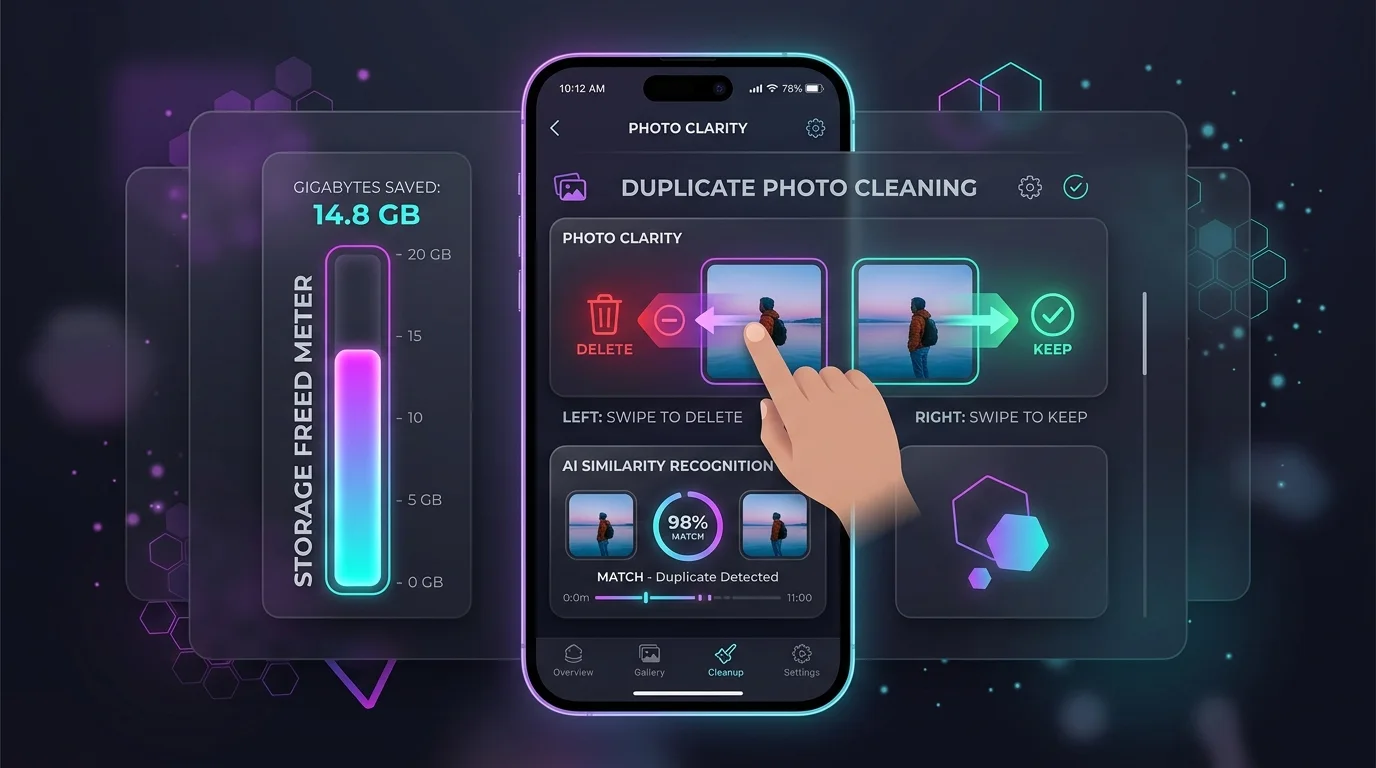
With Swipe Photo Cleaner App Wipe AI, you can quickly review similar photos and Live Photo bursts side-by-side. Swipe left to trash junk, swipe right to keep favorites, and instantly reclaim gigabytes of storage.