
Most people have thousands of photos on their iPhone they don't actually want: blurry pet photos, bad lighting outtakes, unflattering group selfies, and screenshots of old menus. Yet when you open the native Photos grid and stare at endless rows of tiny thumbnails, an overwhelming feeling strikes: **Decision Fatigue**.
Executive Summary & Research Finding
Swipe to clean photo library: how gamified swipe-left-to-delete interfaces conquer decision fatigue and help you clear 500 photos in minutes.
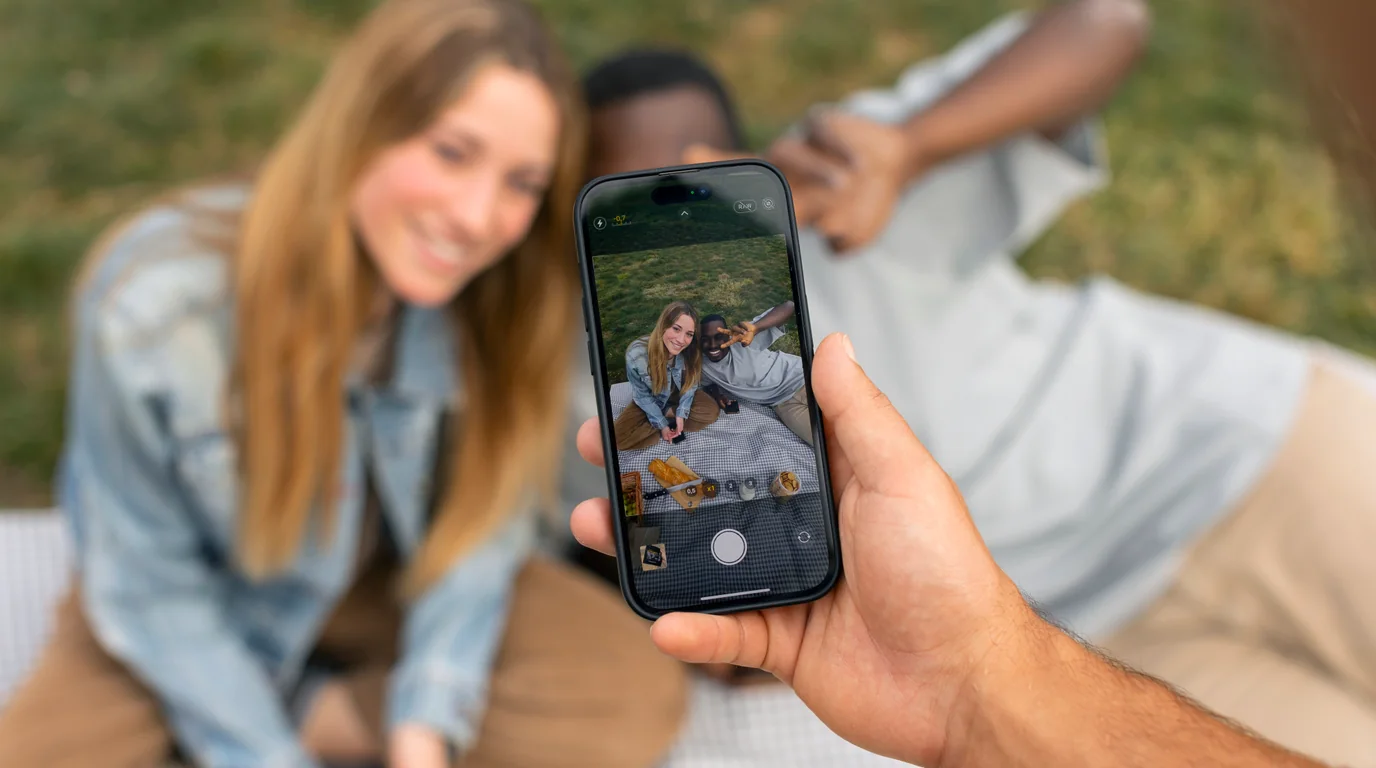
Cognitive psychology explains why traditional photo cleaning fails: when presented with a grid of 50 pictures simultaneously, your brain attempts to evaluate multiple visual hierarchies at once, triggering choice overload. Within two minutes, you close the app and give up.
Tinder-Style Photo Cleaning
Clearly: Storage Cleaner introduces Swipe Clean. One photo at a time: swipe left to delete, swipe right to keep. Review a month of memories during your 5-minute commute.
The Neuroscience of Swipe Interfaces
Swipe-based gesture interfaces succeed because they reduce decision architecture to a binary choice: *Keep* or *Discard*. By removing the distraction of surrounding thumbnails:
- Zero Visual Distraction: The photo occupies the entire screen in high resolution, allowing you to instantly assess emotional value and sharpness.
- Micro-Reward Dopamine Loop: Swiping left provides tactile haptic feedback and a visual dismissal animation that feels satisfying.
- Review by Month or Year: Cleaning 'October 2023' feels manageable, transforming an impossible 20,000-photo chore into bite-sized monthly milestones.
Comparison: Grid Selection vs. Swipe Clean
| Metric | Apple Photos Grid Selection | Clearly Swipe Clean |
|---|---|---|
| Decision Type | Multi-choice comparison | Binary choice (Keep / Delete) |
| Average Time per Photo | 3.5 seconds | 0.6 seconds |
| Cognitive Strain | High (Thumbnails blur together) | Low (Single focused image) |
| Session Completion Rate | < 15% (Users abandon quickly) | > 85% (Users finish month batches) |
| Safety Mechanism | Instant move to trash | Review staging bucket before final delete |
Frequently Asked Questions
What if I accidentally swipe left on a favorite photo?
Clearly includes an instant 'Undo' button. Furthermore, nothing is permanently deleted until you review your final delete batch at the end of the session.
Does Swipe Clean delete photos from iCloud?
Yes. When you confirm deletion and empty Recently Deleted, the photos are removed from all devices synced to your iCloud account, freeing up both device and cloud storage.
Instant iPhone Storage & iCloud Savings Calculator
Adjust your photo library size, duplicate estimates, and 4K video count to calculate how many gigabytes you can safely reclaim.

