
We all know the panic: you hand your phone to a coworker to show a picture of your dog, or let a friend browse your vacation photos. Suddenly, they start swiping left—heading straight toward personal medical documents, photos of tax forms, credit cards, or intimate private memories.
Executive Summary & Research Finding
How to lock private photos on iPhone with Face ID and decoy passcodes. Secure sensitive pictures, driver's licenses, and private videos in a protected vault.
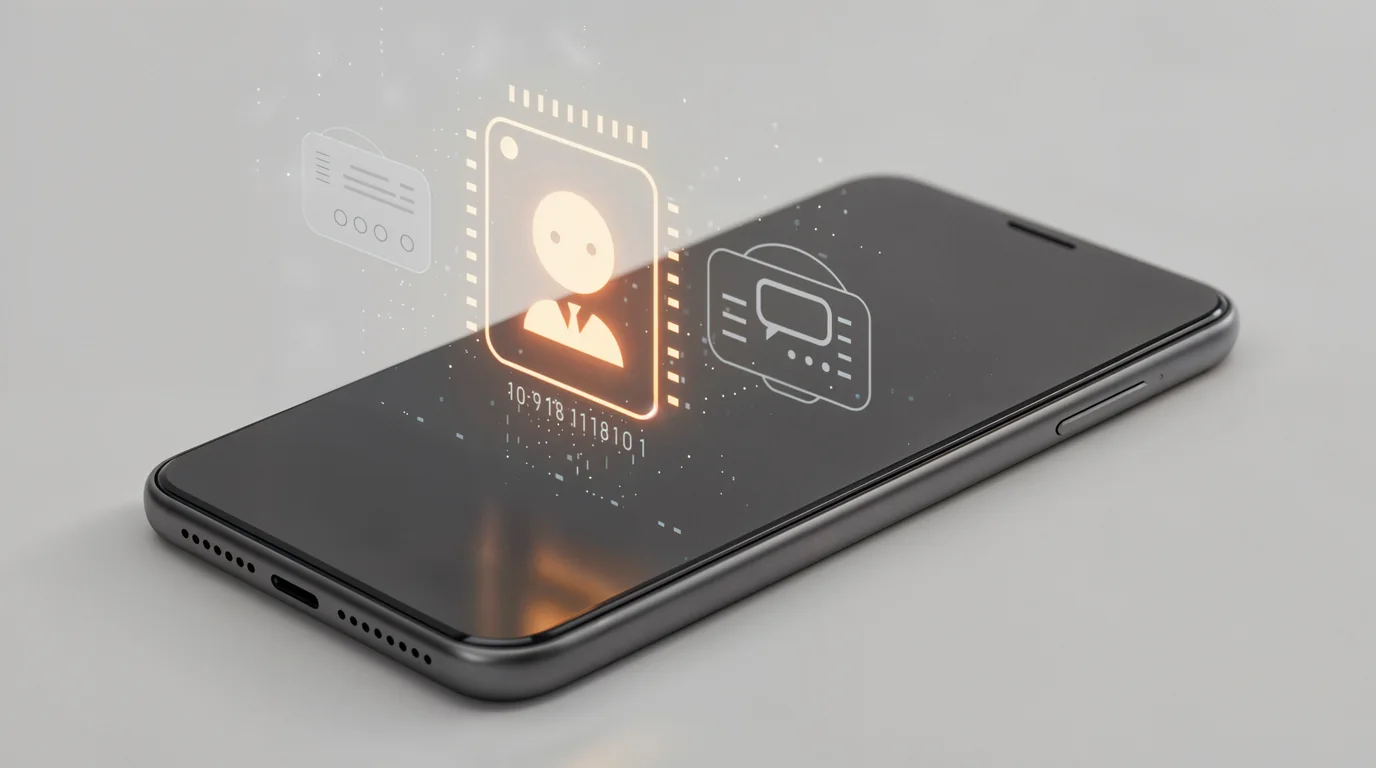
While Apple has a native 'Hidden' album locked behind Face ID, anyone looking over your shoulder knows the Hidden album exists. Furthermore, if someone pressures you to unlock your phone, standard iOS features offer no defense against coerced access.
Secure Private Vault with Decoy Code
Clearly: Storage Cleaner features a built-in Private Vault locked with Face ID and custom passcode. It even supports a **Decoy Code** that opens a separate, empty vault if you are ever forced to unlock it.
Why Apple's Native 'Hidden' Album Isn't Enough
- Obvious Presence: The 'Hidden' folder sits right in the Albums tab. Everyone knows it exists and what is inside.
- No Decoy Defense: If a family member or partner asks you to authenticate Face ID, you cannot pretend the folder is empty.
- No Separate Storage Sandbox: Photos in Apple's Hidden album still sync across all iCloud devices and appear in system backups.
How a Decoy Passcode Protects You
A decoy code is the ultimate countermeasure against snooping or coercion. In Clearly:
- Primary Passcode (e.g., 8492): Unlocks your real private vault with all your sensitive documents and private memories.
- Decoy Passcode (e.g., 1111): Unlocks a completely separate, innocent-looking vault containing a few random landscape pictures.
- If anyone demands to see your private photos, entering the decoy code satisfies their curiosity while keeping your actual confidential media 100% hidden.
Frequently Asked Questions
Are photos in the Private Vault uploaded to any cloud servers?
No! Clearly stores vaulted media inside your phone's encrypted local app sandbox. Files are never uploaded to any external servers.
What happens if I delete Clearly from my phone?
Like all sandboxed iOS apps, deleting the app will remove files inside its private sandbox. Always export your vaulted photos back to your main camera roll before deleting the app.
Instant iPhone Storage & iCloud Savings Calculator
Adjust your photo library size, duplicate estimates, and 4K video count to calculate how many gigabytes you can safely reclaim.

