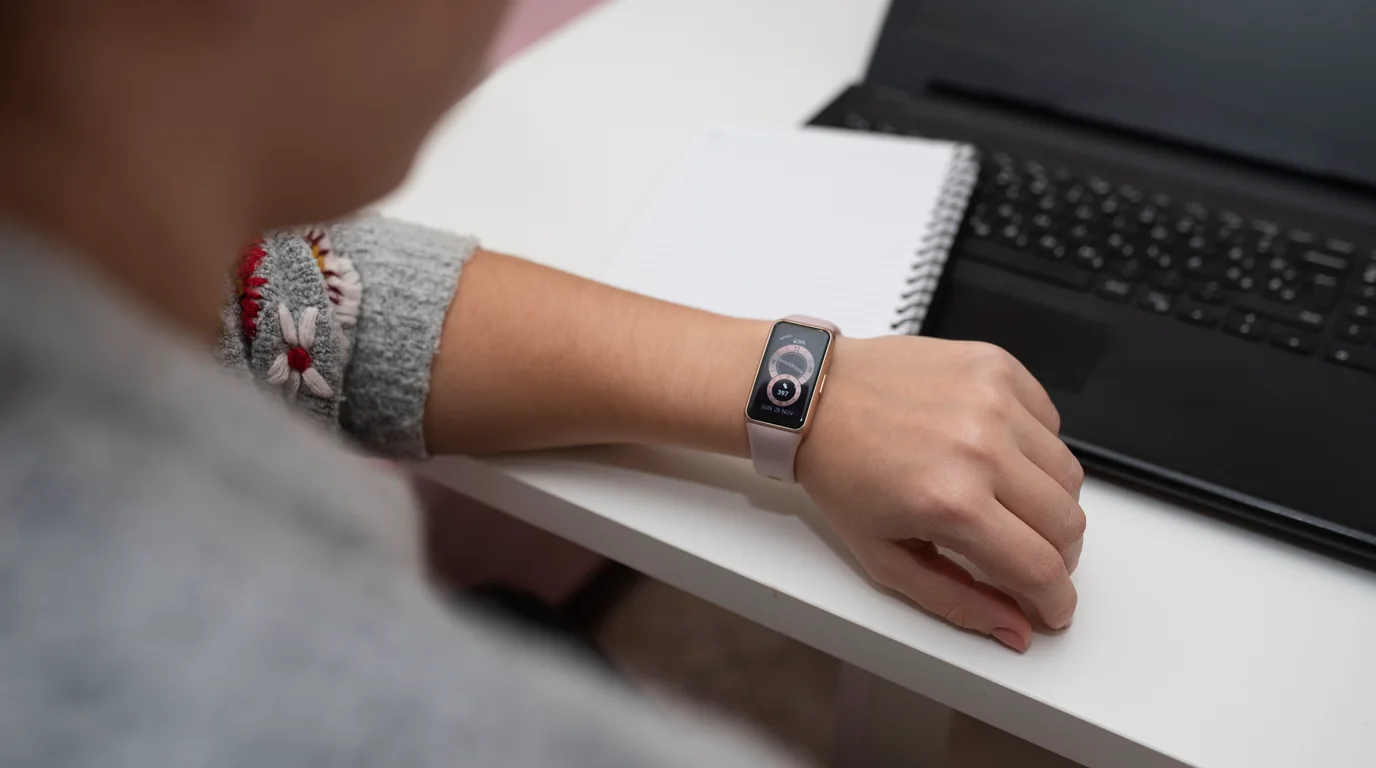
Apple Watches are worn through workouts, sleep tracking, and daily commutes. But with typical battery endurance lasting between 18 and 36 hours, forgetting to put your watch on its magnetic charging puck means it will soon go dark. If it slipped behind a bed frame, into a laundry basket, or under couch pillows while dead, standard pinging sounds won't work.
Executive Summary & Research Finding
How to find a dead or low-battery Apple Watch. Learn how Apple Watch reserve power beacons work and how to track down misplaced smartwatches before total discharge.
Fortunately, Apple engineers designed modern watchOS hardware with a hidden safety margin: Power Reserve Beaconing. Even after your Apple Watch display turns black with a red snake icon, the internal power management IC continues broadcasting faint Bluetooth Low Energy beacons for up to several hours.
Act Before Total Capacitor Drain
The low-power BLE beacon operates for a limited window after shutdown. Launch Sweep: Find My Device immediately to catch the faint intermittent advertising packets before the reserve cell discharges completely.
How Apple Watch Reserve Power Tracking Works
Starting with Apple Watch Series 7, Series 8, Series 9, Ultra, and newer models running modern watchOS, Apple hardware reserves a tiny partition of battery power strictly for Find My network beaconing. When the watch enters low-power shutdown:
- The OLED display, optical heart rate sensors, and haptic Taptic Engine are completely disabled to conserve power.
- The Bluetooth controller enters ultra-low-duty cycle mode, broadcasting a cryptographic beacon once every 1 to 2 seconds.
- Nearby iPhones and iPads running BLE radar scanners can detect these faint packets even though the watch appears completely lifeless.
Room-by-Room Search Strategy for a Dead Watch
| Room / Location | Common Concealment Spot | Detection Tactic |
|---|---|---|
| Bedroom | Between mattress and headboard; laundry hamper | Sweep phone along mattress seams; hold for 3 seconds per spot |
| Living Room | Underneath heavy sofa cushions or throw blankets | Cushions attenuate signals; press phone directly against fabric |
| Bathroom | Counter edges, medicine cabinet, towel rack | Tile surfaces bounce RF waves; check low shelves |
| Workout Area / Gym Bag | Inner zippered pockets of athletic bags | Hold phone in direct contact with duffel exterior |
What to Do If the Watch Is 100% Dead
- Check Find My 'Last Known Location': Open Apple Find My and inspect the timestamped location pinpointed when the watch last communicated with cellular or Wi-Fi networks.
- Turn on 'Notify When Found': If someone picks up your watch or plugs it into a charger, you will receive an instant push notification on your iPhone.
- Enable Lost Mode: Remotely lock the watch with a custom passcode and display your contact phone number on the screen the moment it powers back on.
Frequently Asked Questions
Can a dead Apple Watch ring or vibrate?
No. Once an Apple Watch enters battery shutdown, the speaker and vibration motors have insufficient voltage to trigger. Only silent radio frequency beaconing is active.
How long does the Find My beacon last after an Apple Watch dies?
On supported Series 7 and newer models, the Find My BLE beacon typically broadcasts for 5 to 24 hours after low-power shutdown, depending on ambient room temperature and battery health.