
Flying a modern DJI, Autel, or Skydio drone produces breathtaking 4K cinematic footage. But as your aircraft ascends to 200 feet, its ultra-wide camera captures vastly more than just the horizon: it peers into neighboring fenced backyards, sunbathing patios, children's play areas, and upper-story bedroom windows.
Executive Summary & Research Finding
Drone footage privacy guide: how to blur neighbor windows, swimming pools, and private yards in 4K aerial videos on iPhone to avoid privacy lawsuits and FAA complaints.
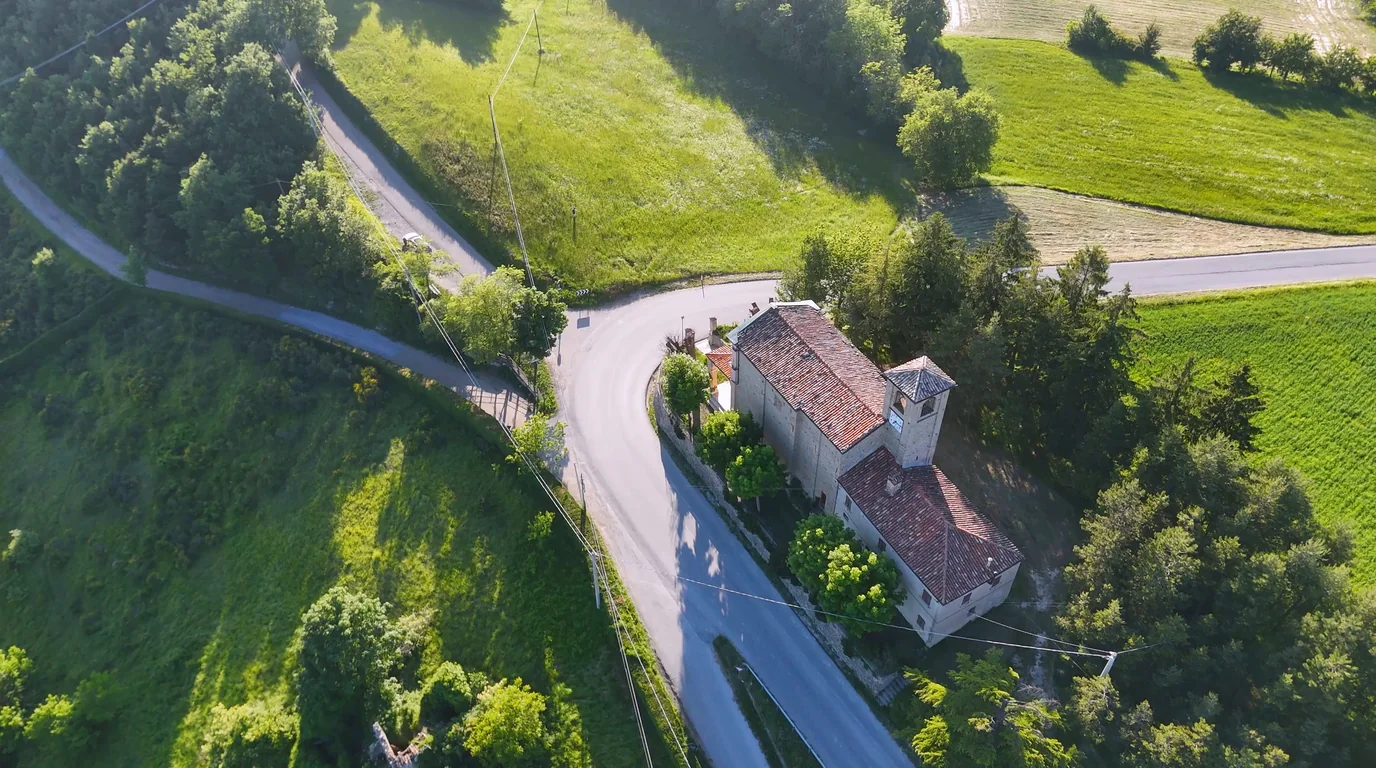
Posting unedited aerial footage to YouTube, Instagram Reels, or TikTok can trigger intense neighborhood disputes, cease-and-desist letters from HOA boards, and statutory civil privacy lawsuits under 'invasion of privacy' and 'peeping tom' ordinances.
Track & Censor Moving Drone Footage
Blura's dynamic motion tracking allows you to place censor regions on sensitive windows or yards that stay anchored as your drone pans and flies. Export up to 4K resolution on iPhone.
Aerial Surveillance Laws: What Drone Pilots Must Know in 2026
While the FAA controls navigable airspace, local state tort laws govern privacy. Courts apply the Fourth Amendment concept of 'reasonable expectation of privacy': a homeowner whose yard is surrounded by an 8-foot privacy fence legally expects seclusion from terrestrial sight. Recording into that enclosure with an aerial camera without consent violates common-law privacy protections across most jurisdictions.
| Zone Filmed | Legal Expectation of Privacy | Censorship Requirement | Best Effect |
|---|---|---|---|
| Public Streets & Sidewalks | Low (Plain view doctrine) | Optional (Recommended for plates) | Soft Gaussian Blur |
| Residential Front Yards | Moderate (Visible from road) | Recommended for house numbers | Pixelation |
| Fenced Backyards & Pools | High (Protected curtilage) | Mandatory before publishing | Heavy Mosaic / Motion Blur |
| Second-Story Bedroom Windows | Absolute (Private sanctuary) | Strictly Mandatory | Solid Blackout / Heavy Mosaic |
How to Track and Blur Fixed Ground Objects as Your Drone Moves
- 1. Import 4K Drone Clip into Blura: AirDrop or transfer your drone video file directly to your iPhone camera roll.
- 2. Identify Private Windows and Curtilage: Scrub through the timeline to pinpoint frames where private areas come into camera view.
- 3. Anchor a Freeform or Rectangular Censor Box: Draw a region over the neighbor's window or yard and select 'Track Object'.
- 4. Adjust Keyframes for Drone Pan & Tilt: Blura automatically recalculates camera motion, ensuring the blur mask sticks firmly to the target throughout the fly-by.
- 5. Export in Original High Definition: Render the processed clip in crisp 1080p or 4K with full color fidelity.
Frequently Asked Questions
Can neighbors sue me if their house is accidentally in the background of my landscape video?
General exterior views of houses visible from public vantage points are typically legal. However, if your camera resolves identifiable people inside private yards or through windows, you face liability unless those areas are blurred.
Does blurring drone video degrade the overall video quality?
No. Blura applies selective regional rendering, altering only the specified bounding box coordinates while leaving the surrounding landscape, sky, and architecture untouched at native bitrates.
Instant iPhone Storage & iCloud Savings Calculator
Adjust your photo library size, duplicate estimates, and 4K video count to calculate how many gigabytes you can safely reclaim.

