When you lose a small wireless earbud under a sofa cushion or inside a jacket pocket, GPS satellite signals cannot help you. GPS signals cannot penetrate building roofs with millimeter accuracy. Instead, modern device locators rely on radio frequency physics using Received Signal Strength Indication (RSSI) broadcast over 2.4 GHz Bluetooth Low Energy (BLE).
Executive Summary & Research Finding
Understand how Bluetooth RSSI signal strength in dBm works. Learn how electromagnetic attenuation and path loss formulas allow radar apps to pinpoint lost AirPods.
Understanding how radio wave attenuation works allows you to search your home like an RF engineer, turning confusing signal fluctuations into a predictable path straight to your lost gadget according to standards published by the Bluetooth Special Interest Group (SIG).
Decibel-Milliwatts (dBm) Explained
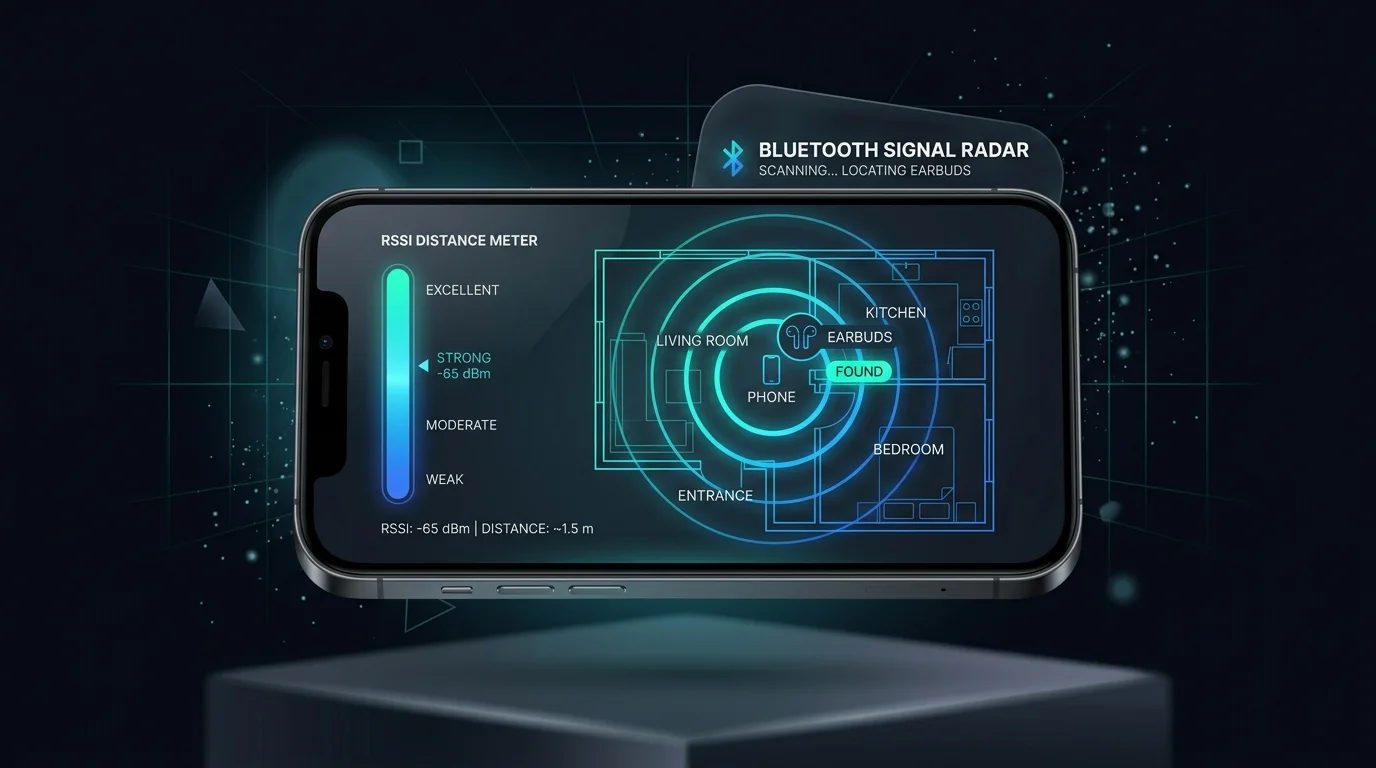
RSSI is measured on a logarithmic scale in negative decibels (dBm). Because it is a negative value, a number closer to zero represents a substantially stronger signal:
| RSSI Reading (dBm) | Approximate Distance | Signal Quality | Search Strategy |
|---|---|---|---|
| -30 to -45 dBm | Under 1 foot (0.3 meters) | Maximum (Immediate Proximity) | Look directly under your hand, cushion, or blanket |
| -46 to -60 dBm | 3 to 6 feet (1 - 2 meters) | Strong (Same Room) | Inspect nearby shelves, tables, and desk drawers |
| -61 to -75 dBm | 10 to 20 feet (3 - 6 meters) | Moderate (Adjacent Area) | Walk slowly in a grid pattern to find the signal rise |
| -76 to -95 dBm | 30+ feet (10+ meters) | Faint (Fringe Boundary) | Move toward adjacent rooms or floors |
The Log-Distance Path Loss Model
Radio waves expand through open space according to the inverse-square law: doubling the distance between your phone and your earbud reduces signal power by 75 percent (a 6 dBm drop). However, physical obstacles absorb radio frequencies at distinct rates:
- Human Body (Water): Blocks 3 to 6 dBm. Holding your phone between your body and the device creates artificial signal shadowing.
- Drywall & Wood: Attenuates 2 to 4 dBm per partition.
- Concrete & Metal: Absorbs 10 to 18 dBm, creating sharp signal dead-zones.
Search Protocol Tip
Hold your smartphone extended in front of you at waist height and rotate slowly 360 degrees. Watch the dBm gauge update every 250 milliseconds. Walk toward the direction of highest signal strength without moving your arm frantically.
Turn Your iPhone into an Active Radar
With FindMy Device: Bluetooth Tracker & Radar, you can scan all active 2.4 GHz beacons in real time. The dynamic proximity meter converts raw dBm calculations into intuitive hot-and-cold distance bars, helping you find lost earbuds, smartwatches, and fitness bands in seconds.
Bluetooth RSSI Signal & Distance Triangulation Simulator
Estimate physical distance to lost AirPods or Bluetooth beacons using the Log-Distance Path Loss equation.