
Subscribing to a 200GB Apple iCloud Family Sharing plan is one of the most cost-effective ways to give spouses and children secure cloud backup. However, Apple does not allow family organizers to set hard storage quotas per person.
Executive Summary & Research Finding
Is your 200GB iCloud Family Sharing plan full? Learn how to inspect family members' storage usage, delete bloated device backups, and avoid paying $10/month for 2TB.
If a teenager records 4K gaming clips or leaves full-device backups enabled on an iPad, they can consume 160GB in two weeks, leaving the rest of the family with 'iCloud Storage Full' errors according to Apple's Official Family Sharing Support Portal and the iCloud Service Overview.
The Three Biggest Hogs in Shared Family Storage
| Storage Hog | Where to Find It | Typical Impact | Immediate Fix |
|---|---|---|---|
| Old Device iCloud Backups | Settings > Apple ID > iCloud > Manage Storage > Backups | 15 to 40 GB per old device | Delete backups of old trade-in iPhones or outdated iPads |
| Uncompressed 4K Screen Recordings | Photos app > Media Types > Screen Recordings | 20 to 60 GB across devices | Compress 4K recordings to 1080p HEVC or delete them |
| Shared Messages Attachments | Settings > General > iPhone Storage > Messages > Review Large Attachments | 10 to 30 GB | Purge shared high-resolution video clips sent in family group chats |
| WhatsApp / Telegram Auto-Backup | Within WhatsApp Settings > Chats > Chat Backup | 8 to 25 GB | Disable 'Include Videos' in messaging cloud backups |
Step-by-Step Family Storage Audit
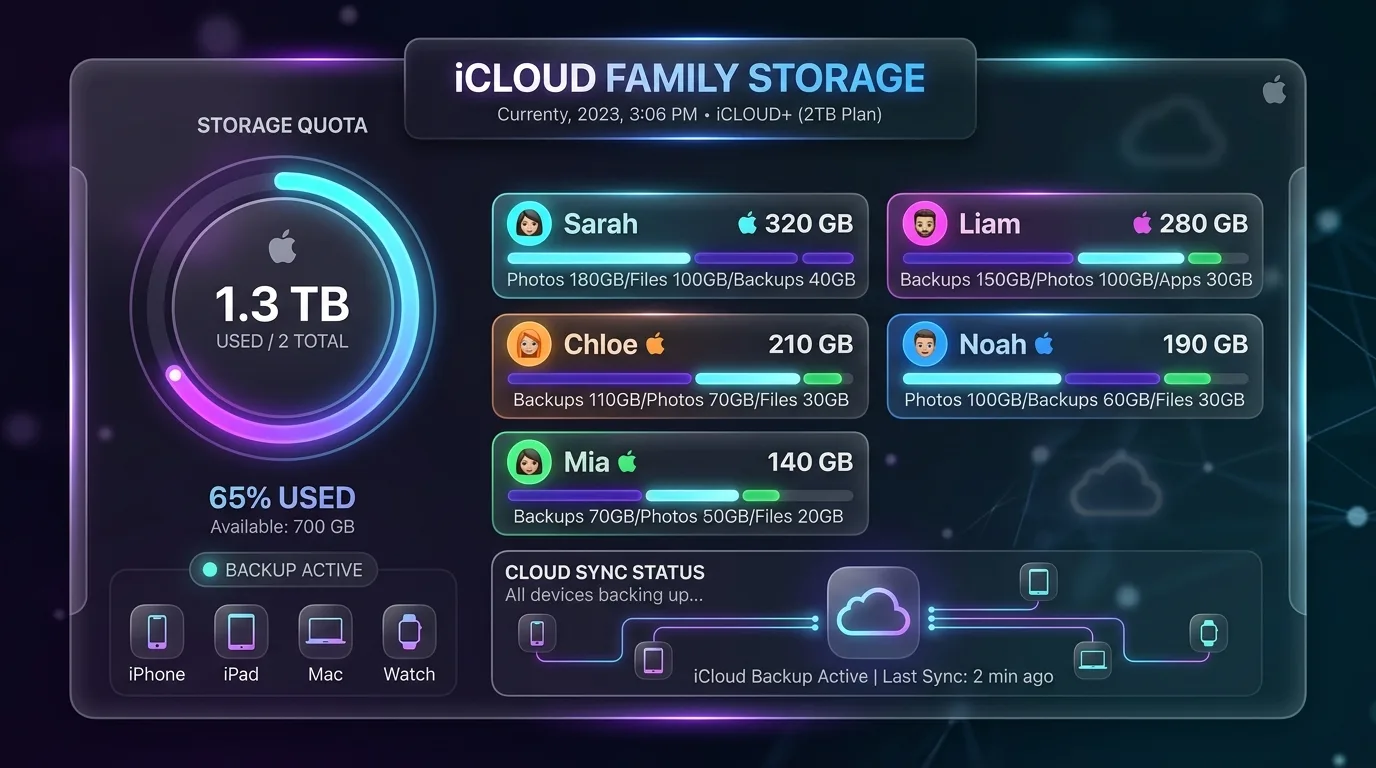
- Identify the Heaviest User: The Family Organizer can open Settings > Apple ID > Family > Subscriptions > iCloud+ to view a percentage bar chart showing which family member is utilizing the majority of the quota.
- Disable Redundant Device Backups: Turn off iCloud Backup for secondary devices like work iPads that do not store unique personal memories.
- Compress Heavy Video Files: Videos account for over 80 percent of media weight. Compressing 4K 60fps clips down to 1080p reduces file sizes by 75 percent with zero noticeable loss on phone screens.
Private Data Guarantee
Even on a shared iCloud plan, family members cannot see each other's photos, documents, or message history. Only the raw byte volume is shared.
Reclaim Storage with Smart Video Compression
With Clearly: Smart Storage Cleaner for iPhone, every member of your family can easily scan their camera roll, compress large videos, and clean duplicate photos, ensuring your 200GB plan lasts for years.
Instant iPhone Storage & iCloud Savings Calculator
Adjust your photo library size, duplicate estimates, and 4K video count to calculate how many gigabytes you can safely reclaim.

