
Many iPhone owners assume that photos sitting idly in their camera roll are passive data that consume only flash storage space. In reality, modern iOS versions run sophisticated artificial intelligence models continuously in the background over your entire photo archive.
Executive Summary & Research Finding
Does a full iPhone photo library drain battery? Learn how Apple CoreML Visual Lookup and Photos indexing consume background CPU cycles and how to fix it.
According to technical architecture whitepapers published on Apple Developer CoreML Documentation and Apple Battery Performance Guidelines, features like Visual Lookup, Memories generation, face clustering, and text OCR (Live Text) require the Apple Neural Engine to scan and re-index tens of thousands of image vectors.
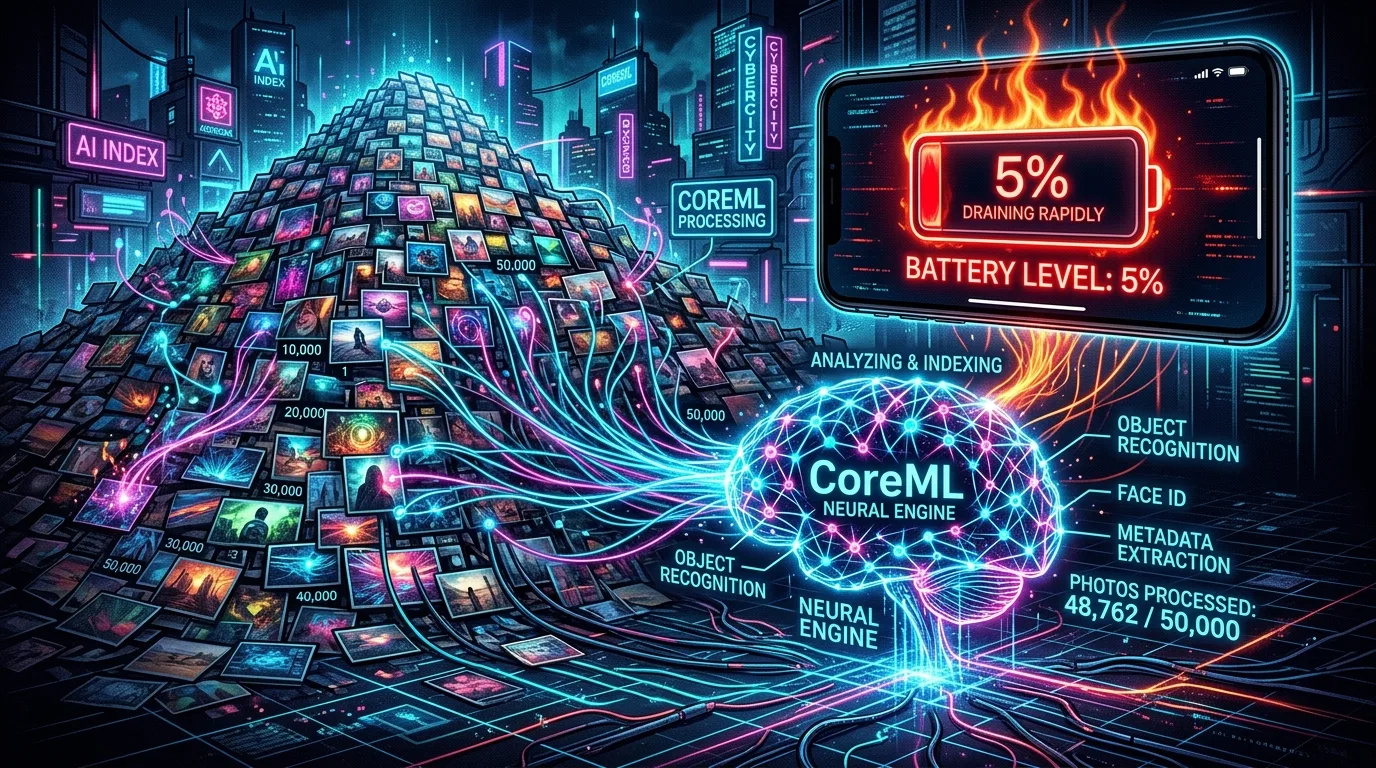
The Four Background Daemons Scanning Your Media
| iOS Background Process | Primary Task | Hardware Resource Used | Impact on 40,000+ Photos |
|---|---|---|---|
| mediaanalysisd | Scans videos and photos for objects, scenes, and facial expressions | Neural Engine & GPU | Runs for hours when connected to power, warming chassis |
| photoanalysisd | Calculates aesthetic scores, curation hierarchies, and Memories | High-Efficiency CPU Cores | Heavy SQLite database read-write cycles |
| cloudd (iCloud Sync) | Uploads checksums and metadata deltas to iCloud | Wi-Fi / Cellular Modem | Continuous radio transceiver battery wakeups |
| Spotlight (searchd) | Extracts text within images (Live Text OCR) | Vector CoreML Math Units | Frequent cache re-indexing upon any camera roll update |
Why Pruning Duplicates Immediately Restores Battery Life
When your camera roll is cluttered with 5,000 duplicate screenshots, blurry outtakes, and receipt snapshots, the iOS photo analysis daemons are forced to process redundant data. Deleting 20 to 30 percent of useless media shrinks the internal SQLite database (`Photos.sqlite`), reduces CPU indexing interrupts, and extends daily battery endurance by up to 1.5 hours.
Check Your Battery Settings
Go to Settings > Battery and review 'Activity by App'. If 'Photos' accounts for 15% or more of background activity, your device is spending excessive energy indexing redundant media.
Clean Your iPhone Storage Automatically
With Clearly: Smart Storage Cleaner for iPhone, you can scan and compress oversized videos, purge duplicate media, and optimize your local photo footprint in minutes, keeping your iPhone cool, fast, and battery-efficient.
Instant iPhone Storage & iCloud Savings Calculator
Adjust your photo library size, duplicate estimates, and 4K video count to calculate how many gigabytes you can safely reclaim.

