When your Google Account reaches 95 percent of its free 15GB quota, a red warning banner appears across Gmail threatening that you will soon stop receiving new incoming emails. Google will immediately prompt you to subscribe to a recurring monthly Google One storage plan.
In reality, the vast majority of users never need to pay for extra cloud storage. Over 70 percent of accumulated Gmail data consists of forgotten video clips, high-resolution PDF attachments from five years ago, and unread promotional newsletters that can be purged with targeted search queries.
Essential Gmail Search Operators to Free Storage Fast
Type these precise search syntax strings directly into your Gmail search bar to instantly isolate the heaviest space hogs:
| Search Query | Targeted Content | Expected Storage Recovery |
|---|---|---|
size:10m | Emails with attachments larger than 10MB (videos, CAD, large ZIPs) | 3.0 to 7.0 GB |
older_than:2y filename:pdf | PDF attachments older than 2 years that are already archived elsewhere | 1.5 to 3.0 GB |
category:promotions older_than:1y | Marketing emails older than one year that have zero value | 1.0 to 2.5 GB |
has:attachment filename:mp4 OR filename:mov | Video files sent via email that should live in cloud backups | 2.0 to 5.0 GB |
The 3-Step Routine to Reclaim Free Quota
- Run the 'size:10m' Search: Select all matching emails and click 'Select all conversations that match this search' to delete them in bulk.
- Empty Your Trash Folder: Deleted emails still count against your 15GB quota until you navigate to Trash and click 'Empty Trash now'.
- Mass-Unsubscribe from Recurring Spammers: Eliminate incoming bloat by cutting off daily promotional senders at the source.
Google Drive and Photos Shared Quota
Remember that your 15GB limit is shared across Gmail, Google Drive, and Google Photos. Deleting large video attachments in Gmail immediately frees up storage for Google Drive documents.
Keep Your Mailbox Clean with Swipe Gestures
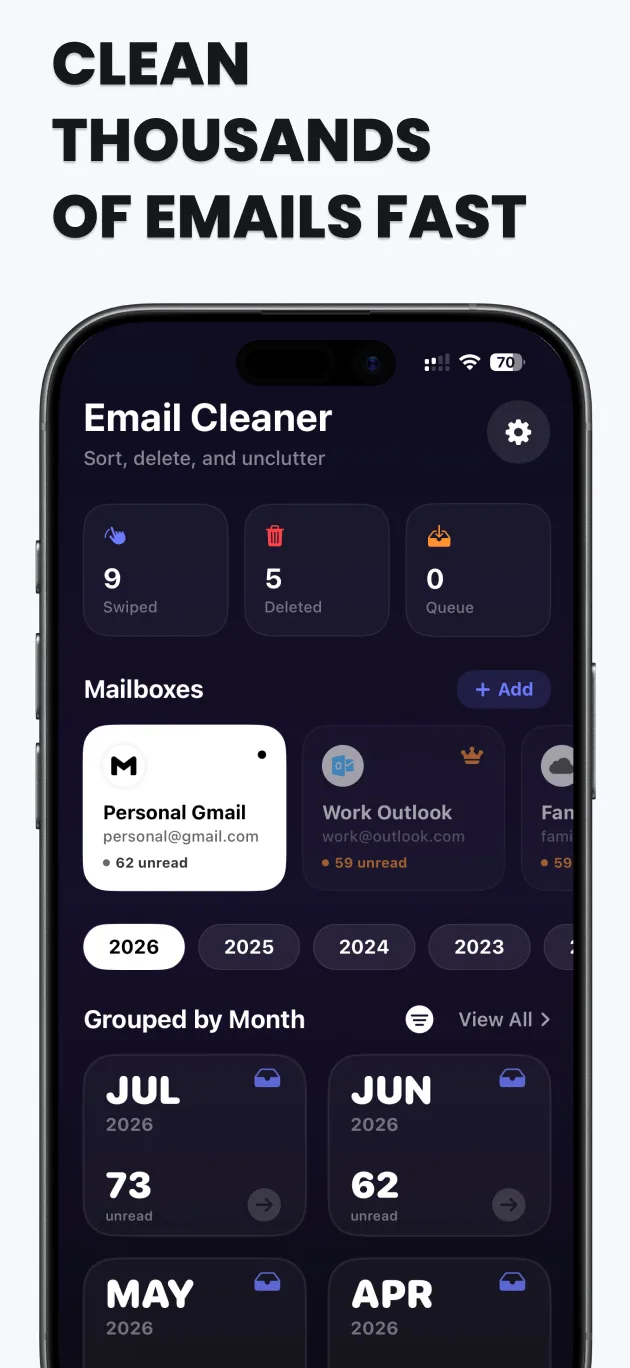
Instead of managing complex search operators on a computer, Swipe Email Cleaner connects securely to your Gmail or Outlook account on your mobile device. Swipe through messages rapidly, unsubscribe with one tap, and keep your inbox under the free storage limit effortlessly.