
If you open your iPhone Contacts app and find thousands of mysterious entries with no phone numbers, duplicate names with different email addresses, or random alphanumeric labels, you are not alone. These entries are commonly called Ghost Contacts.
Executive Summary & Research Finding
Why does your iPhone have thousands of mysterious duplicate contacts? Learn how messaging app sync conflicts create ghost cards and how to merge them cleanly.
Ghost contacts are not caused by iOS bugs. They are the result of multi-account synchronization collisions. According to documentation on Apple Contacts Account Sync and the vCard cardDAV protocol, connecting WhatsApp, Telegram, Outlook, Google Workspace, and iCloud simultaneously causes each service to push its own separate contact card for the same person.
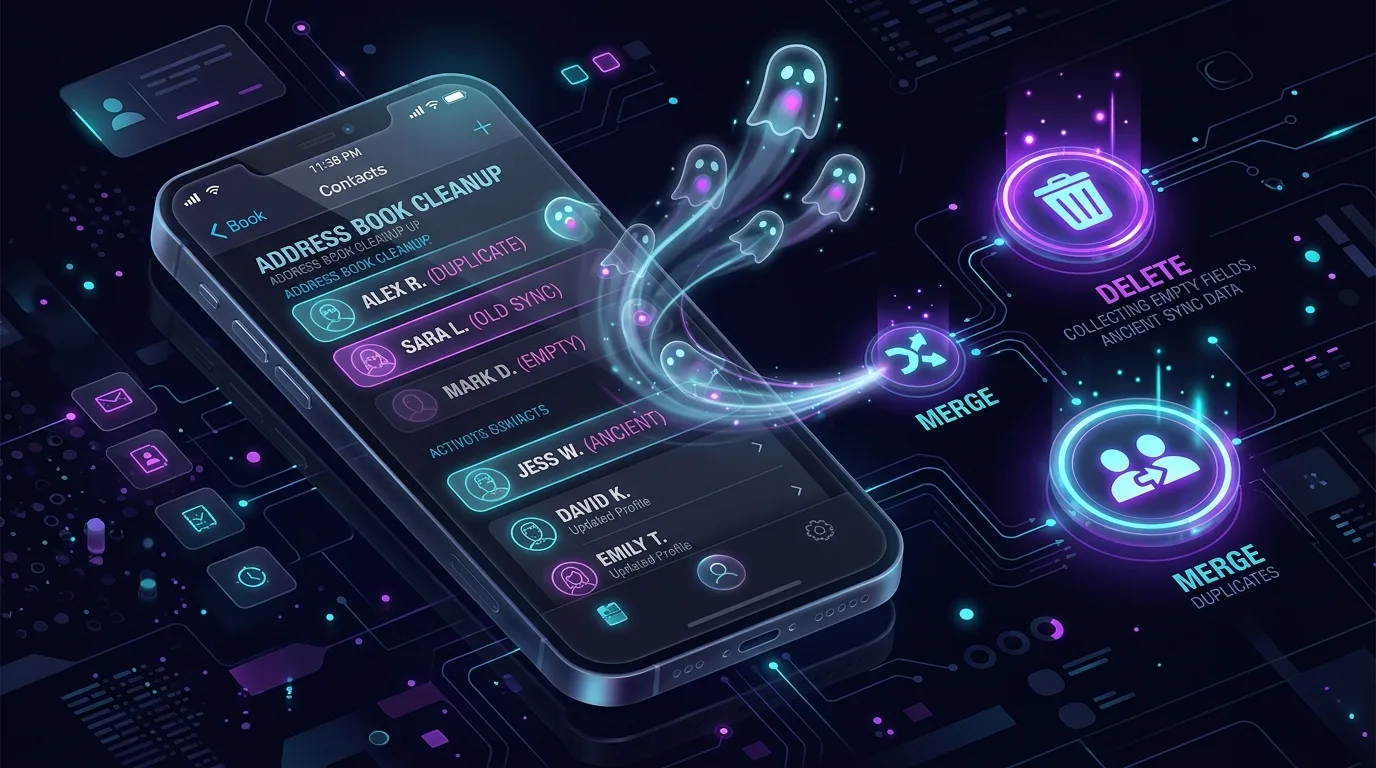
The Four Main Sources of Address Book Pollution
| Pollution Source | How It Happens | Typical Symptom | Clean-Up Priority |
|---|---|---|---|
| Exchange / Outlook Auto-Complete | Every person you ever emailed at work is auto-saved as a contact | Hundreds of corporate emails with no phone numbers or names | High (Purge zero-phone entries) |
| WhatsApp & Telegram Sync | Messengers upload server cache copies of chat participants | Duplicate entries with slight name variations (e.g. John vs John Doe) | High (Merge identical numbers) |
| Dual iCloud & Google Sync | Both accounts sync contacts simultaneously without unified linking | Every single contact appears exactly twice in search | Critical (Merge unified records) |
| Old SIM Card Imports | Imported legacy SIM contacts with truncated 8-character names | Outdated numbers from decade-old acquaintances | Moderate (Archive old records) |
How to Clean Your Address Book Safely
- Export a Full vCard Backup First: Never delete or merge contacts without creating a safety backup file (.vcf) that you can restore with one tap if needed.
- Filter Contacts by Account: Open Contacts > Lists (top left). Check which accounts (Gmail, Outlook, iCloud) are contributing phantom records.
- Purge Contacts with Missing Information: Remove entries that contain only a blank note, no phone number, and no email address.
- Merge Multi-Number Cards: Combine multiple partial cards for the same person into one rich, unified card with work, mobile, and home tags.
Siri Suggestions Tip
Go to Settings > Contacts > Siri & Search and turn off 'Show Siri Suggestions for Contacts' if you want to prevent Mail from creating unconfirmed ghost contact cards automatically.
Take Control of Your Contacts with Swipe Gestures
With Swipe Contacts Cleaner App, you can scan your entire address book for duplicate names, missing phone numbers, and ghost accounts in seconds. Create instant VCF backups, merge duplicates with one tap, and swipe through old contacts effortlessly.
Instant iPhone Storage & iCloud Savings Calculator
Adjust your photo library size, duplicate estimates, and 4K video count to calculate how many gigabytes you can safely reclaim.

